
Best Internet Providers in Palm Beach Gardens (2026 Guide: Speed, Price & Reliability)
Palm Beach PC Services
Tech Expert
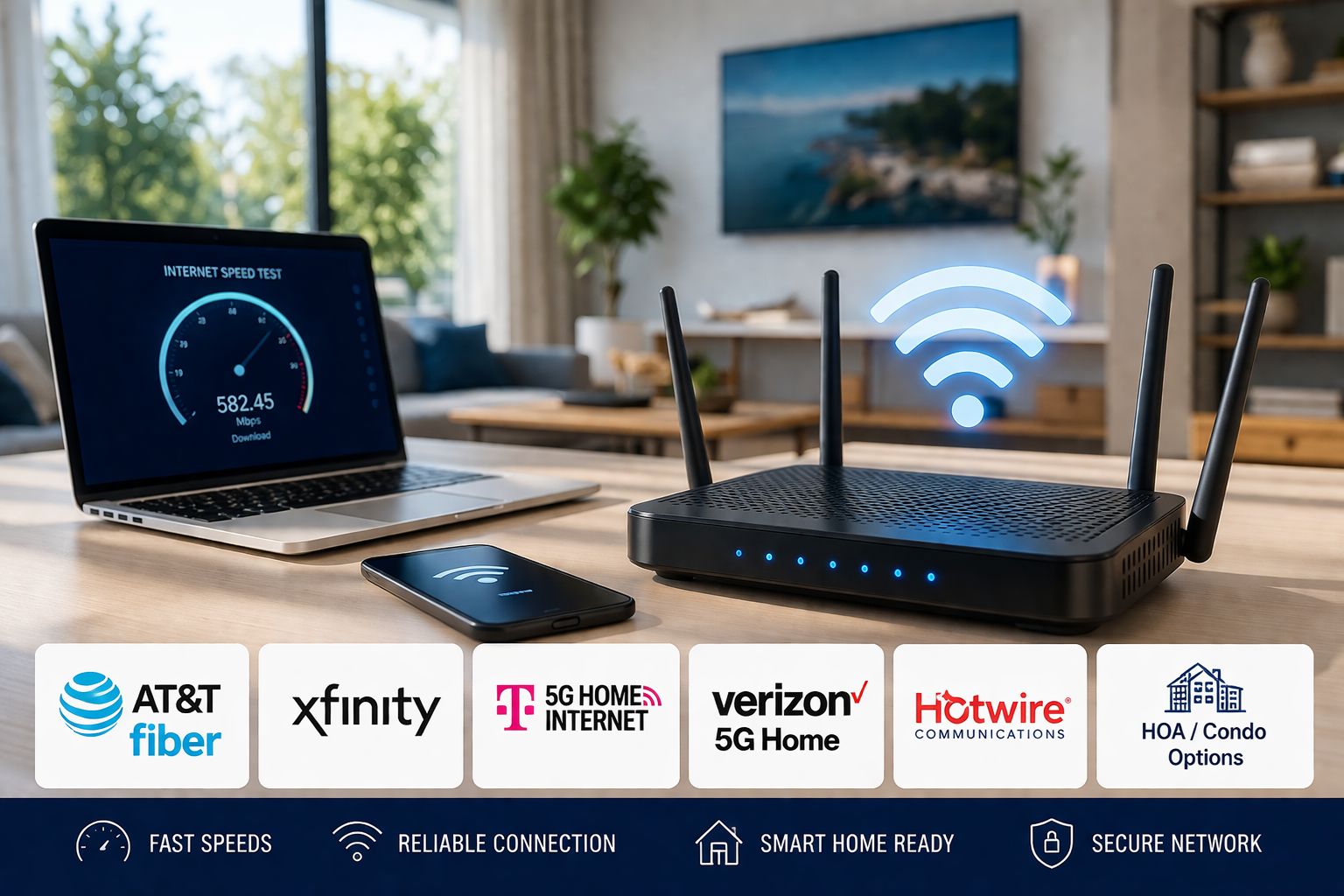
Choosing the right internet provider in Palm Beach Gardens is crucial for home users and small businesses alike. In today's highly connected world, you need robust, reliable options for 4K streaming, intense online gaming, uninterrupted video calls, and heavy remote work. The local landscape offers everything from cutting-edge fiber optics to reliable cable and traditional DSL, making it important to understand exactly what you are paying for.
With multiple companies competing for your monthly subscription, the marketing claims can often be confusing. Terms like "gigabit speeds" and "unlimited data" are thrown around loosely. This comprehensive guide will help you navigate the best internet providers in Palm Beach Gardens, ensuring you get the maximum value, speed, and uptime for your household or business network.
Major Providers Comparison
Not all providers service every single street or neighborhood in Palm Beach Gardens. However, the four major players below dominate the local market. Here is a detailed breakdown of their speeds, typical pricing structures, and overall network reliability:
- Comcast Xfinity: One of the most widespread networks in the area, Xfinity delivers speeds up to 1.2 Gbps via their hybrid fiber-coaxial network. Prices typically range from $30 for basic plans up to $120 per month for gigabit speeds. Xfinity is highly reliable, but because cable internet shares bandwidth with your neighbors, you might notice occasional slowdowns during peak evening hours when everyone is streaming Netflix.
- AT&T: AT&T offers both top-tier Fiber options (up to a staggering 5 Gbps) and standard DSL depending on your specific street. Pricing runs from $55 to $150 per month. Their fiber network provides exceptional symmetrical speeds (meaning your upload speed matches your download speed), making it the absolute best choice for content creators, remote workers, and businesses running servers.
- Verizon Fios: While traditionally more limited in Florida, Verizon's 100% fiber-optic network is expanding. They deliver speeds up to 1 Gbps with pricing generally between $40 to $90 per month. Verizon is famous for its outstanding uptime reliability and consistent performance, though you will need to check their coverage map for availability in your specific neighborhood.
- Spectrum: Another major cable internet provider, Spectrum provides robust speeds up to 1 Gbps with straightforward pricing between $50 and $100 per month. They are particularly known for their excellent coverage across older neighborhoods and their firm stance against restrictive monthly data caps, which is great for heavy downloaders.
Fiber vs Cable vs DSL: Understanding the Technology
Understanding the underlying infrastructure that connects your house to the internet is vital when selecting the best internet providers. The technology dictates your maximum potential speed and daily reliability:
- Fiber Optic: The gold standard. Fiber uses tiny strands of glass to transmit data via light pulses. It offers the absolute fastest speeds, lowest latency (crucial for gaming), and is completely immune to electrical interference or weather-related degradation. The only downside is that laying fiber lines is expensive, so it has limited availability in some older, established residential blocks.
- Cable Internet: The most common high-speed option. It utilizes the same coaxial copper cables that deliver cable television. Cable provides very good speeds and is widely available. The main drawback is network congestion; because you share a local neighborhood "node" with surrounding houses, your speeds can dip significantly when neighborhood usage spikes.
- DSL (Digital Subscriber Line): Operates over traditional copper telephone lines. While it is considerably slower than fiber or cable, DSL remains highly affordable and is sometimes the only wired option in very remote or rural pockets. It is perfectly fine for basic web browsing, paying bills, and sending emails, but it will struggle with multiple concurrent HD video streams.
Tips for Choosing the Right Provider
Don't simply pick the first flyer that lands in your mailbox. Selecting an ISP requires assessing your actual household needs. Follow these guidelines:
- Assess your exact speed needs: Heavy 4K streaming, massive file downloads, competitive gaming, and multiple Zoom calls require higher bandwidth (300+ Mbps). If you just check Facebook, a cheaper 50 Mbps plan is fine.
- Check true availability: Use the provider's online address tool. Just because a provider services Palm Beach Gardens doesn't mean they have lines run to your specific apartment or subdivision.
- Scrutinize pricing and contract terms: Many ISPs advertise a low promotional rate that doubles after 12 months. Always ask what the standard rate will be once the promotional period expires. Also, check for early termination fees if you plan to move soon.
- Review customer service records: Check local reliability ratings and neighborhood apps (like Nextdoor) to see if a provider suffers from chronic outages in your specific area.
- Factor in equipment rental fees: ISPs often charge $10-$15 a month just to rent their modem. You can often save money by purchasing your own compatible networking equipment.
How to Get the Best Deal
Internet pricing is surprisingly negotiable if you know how to navigate the system and advocate for yourself.
- Negotiate aggressively: If your rate goes up, call your provider's retention department. Politely inform them you are comparing their new rate to a competitor's offer. They are often authorized to give you a new promotional rate to keep your business.
- Capitalize on promotional periods: Providers run major sales during back-to-school season (August/September) and holiday periods. Time your switch to coincide with these sales.
- Bundle intelligently: Consolidating your internet, mobile phone plan, and streaming services with one provider can result in massive overall discounts on your monthly utility bills.
- Avoid paying for unnecessary speed: Providers will try to upsell you to gigabit speeds. Very few households actually saturate a gigabit connection. Start with a 300-500 Mbps plan; you can always upgrade later with a simple phone call if it feels too slow.
WiFi Setup and Network Troubleshooting Tips
Even the fastest, most expensive fiber internet plan will perform terribly if your internal home network is not properly optimized. Your WiFi router is the heart of your home network.
Ensure your router is placed in a central, elevated location. Avoid hiding it behind a TV, in a metal media cabinet, or next to thick concrete walls and major appliances (like microwaves), which severely block wireless signals. Regularly update your router's firmware to protect against security vulnerabilities. If you live in a larger multi-story home, a standard single router will likely leave you with dead zones; upgrading to a modern mesh WiFi system is the best way to ensure wall-to-wall coverage.
When to Call a Professional
While basic router reboots are simple enough for anyone, certain network issues require an experienced professional. Consider calling an IT expert when:
- You are setting up a complex internet network for a new small business or office space.
- You need advanced network configuration, such as setting up secure guest networks or robust firewall protection.
- You are experiencing stubborn, unexplainable WiFi dead zones that standard range extenders cannot fix.
- You require structured computer networking, like running Ethernet cables through walls to connect stationary devices and servers.
- You are experiencing constant dropped connections and need expert network troubleshooting to determine if the ISP is at fault.
How Palm Beach PC Services Can Help
At Palm Beach PC Services, we help home and small business users get the absolute maximum performance out of their internet connections. We provide professional internet setup and seamless network installation, ensuring your new provider's modem interfaces perfectly with your personal devices without messy configuration errors.
We excel in advanced network configuration and optimization. If your internet is constantly dropping or lagging during important meetings, our expert WiFi troubleshooting services will pinpoint the interference and restore your speed. We handle comprehensive computer networking for home and small businesses, connecting everything from network printers and localized servers to smart home security systems.
If you need immediate assistance with software networking settings, we offer nationwide Remote Support for fast, secure diagnostics. For hardware failures or complex local setups, our full Computer Repair services are ready to help. Contact us today to eliminate your connectivity headaches once and for all.
Local Service Area
Palm Beach PC Services provides onsite computer repair in Palm Beach Gardens as well as nearby areas including North Palm Beach, Juno Beach, Riviera Beach, Singer Island, Palm Beach, Lake Park, West Palm Beach, Jupiter, Abacoa, Boca Raton, Delray Beach, Manalapan, Ocean Ridge, and Gulf Stream. Remote support is also available nationwide.
Frequently Asked Questions
What internet speeds do I need for streaming and gaming?
For basic HD streaming and casual web browsing, 50-100 Mbps is usually sufficient for a small household. However, if you regularly stream in 4K resolution, have multiple family members using the network simultaneously, or engage in competitive online gaming where ping matters, you should look for plans offering 300 Mbps to 1 Gbps to ensure a smooth, lag-free experience.
How do I know if my WiFi is slow or if it's the provider?
Signs of slow WiFi include constant buffering, web pages timing out, or devices unexpectedly disconnecting. You can run a free online speed test while plugged directly into the router with an Ethernet cable. If the wired speed is fast but the WiFi is slow, your router needs optimization or replacement, not your provider.
Can I switch internet providers without losing service?
Yes, you can ensure a seamless transition. The best approach is to schedule the installation of your new internet service a few days before you plan to cancel your current one. Once the new provider has successfully installed and tested their connection, you can safely cancel your old service to guarantee zero downtime.
What should I do if my internet keeps dropping randomly?
First, restart your modem and router by unplugging them for 60 seconds. Check for loose coaxial or fiber cables. If the issue persists across multiple devices, it may indicate a failing piece of hardware or an outside line issue from the ISP. If your provider claims everything is fine, professional WiFi troubleshooting can identify internal network interference.
Is fiber internet actually better than cable?
Yes. Fiber-optic internet uses light to transmit data, making it significantly faster and more reliable than traditional copper cable lines. It also provides symmetrical upload and download speeds, which is essential for heavy video conferencing, cloud backups, and remote work.
Need Network Troubleshooting?
Don't let a poorly configured network or a weak WiFi signal slow you down. Contact Palm Beach PC Services for expert, fast, and friendly help with your internet setup and computer networking needs.
📞 Call or text 561-351-5858 or use our contact form