
Computer Help for Seniors in Palm Beach Gardens: Common Problems We Fix
Palm Beach PC Services
Tech Expert
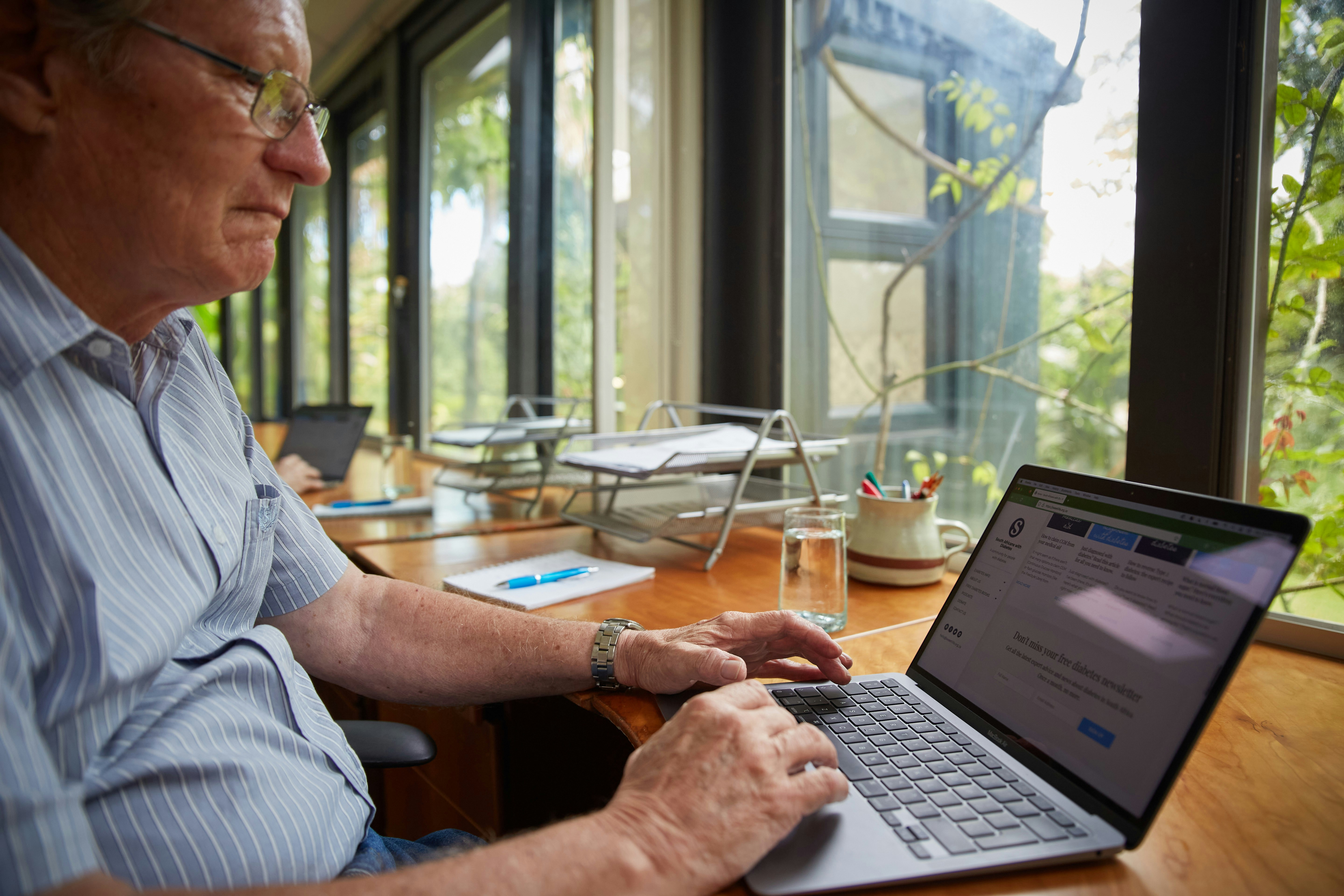
Technology should make life easier, helping us stay connected with family, manage healthcare portals, access online banking, organize photos, and quickly check email. But when aggressive pop-ups block the screen, passwords stop working, Wi-Fi disconnects, or printers refuse to print, technology quickly goes from being a helpful tool to a source of immense stress.
For many seniors, the thought of unplugging a heavy desktop computer, carrying it out to the car, and waiting in line at a noisy retail store just to ask a simple question is incredibly inconvenient. That is why patient, reliable, in-home computer help is a much better option.
Quick Checklist: Common Tech Problems We Solve Onsite
- Email and password lockouts
- Fake pop-ups and scam alerts
- Printer and Wi-Fi disconnections
- Slow computer performance
- New computer setup and data transfer
- iPad, tablet, and smartphone connection help
- Browser, security, and update issues
Fake "Tech Support" Pop-Ups and Security Scams
Fake Microsoft, Norton, McAfee, and virus warning pop-ups are designed specifically to scare people into calling fraudulent toll-free numbers. You should never call numbers shown on suspicious pop-ups or give remote access to strangers calling your phone.
We understand how frightening these alerts can be. Palm Beach PC Services helps by safely removing scam pop-ups, cleaning your web browsers, checking your system for actual malware, and reviewing your security settings. We also take the time to explain how to spot these suspicious warnings in plain English. Learn more about our Virus & Malware Removal services.
Printer and Wi-Fi Problems at Home
Printers often seem to stop working for no reason—frequently after unexpected software updates, router changes, power flickers, or minor Wi-Fi disruptions. This affects wireless printers trying to talk to laptops, desktops, iPads, and smartphones.
We troubleshoot the printer and Wi-Fi in your actual home environment. We reconnect your devices securely, improve network reliability, and help you understand what changed so you feel more confident moving forward. Read more about how we handle Networking & Wi-Fi.
Password Confusion and Locked Email Accounts
Many seniors deal with the frustrating task of managing too many passwords for email, banking, medical portals, Apple ID, Microsoft accounts, Gmail, Outlook, and social media. Changing just one password on your desktop can accidentally stop your smartphone from receiving emails.
Palm Beach PC Services helps you safely regain access, organize your account information, sync email across all your devices, and explains security codes and two-factor authentication in a simple way. See our Email & Outlook Support for details.
Slow Computers and Long Startup Times
A slow computer does not always mean it needs to be replaced. Causes may include too many hidden startup programs, low storage space, old software, a failing mechanical hard drive, malware, or background apps draining your resources.
We carefully check the computer, clean up unnecessary startup items, review your storage and updates, and discuss hardware upgrades (like an SSD upgrade) when appropriate. Throughout the process, we help protect your cherished photos, documents, and familiar desktop shortcuts.
New Computer Setup and Data Transfer
Setting up a new computer can be incredibly stressful because all your files, photos, bookmarks, printers, email, passwords, and favorite apps need to be moved correctly and put in the exact right place.
We handle the entire process. We set up the new computer, safely transfer your files, configure your email, connect your printers, install critical updates, and make sure you feel completely comfortable using your new device before the appointment ends. If you've lost files, we also provide professional Data Recovery.
Why In-Home Tech Support Works Well for Seniors
- No need to unplug cables or carry a heavy computer.
- Troubleshooting happens on the customer's own Wi-Fi network.
- Printers, routers, and devices can be checked together.
- Help is explained step by step at the customer's pace.
- Notes or simple reminders can be written down when helpful.
- Family members can be included if needed.
When Remote Support Can Help
If your computer turns on and connects to the internet, remote support may be the fastest way to resolve your issue. This method is excellent for fixing email glitches, correcting software problems, adjusting browser settings, applying updates, removing non-critical pop-ups, and basic digital troubleshooting. Learn more about our Remote Computer Support.
When Onsite Help Is Better
Onsite help is the superior choice for printer connection problems, Wi-Fi and router dropouts, brand-new computer setups, massive data transfers, connecting multiple devices, handling heavy desktop computers, investigating serious scam concerns, or simply when seniors prefer patient, in-person guidance.
How Palm Beach PC Services Helps Seniors and Families
Palm Beach PC Services is dedicated to providing patient, respectful computer repair and tech support for seniors, families, retirees, home users, and small businesses. We emphasize clear explanations, avoid confusing technical jargon, and offer practical help either at home or remotely when appropriate. Need hands-on assistance? Our computer repair and technology support for seniors provides patient, in-home help with everyday computer problems in Palm Beach Gardens and nearby communities. If you or a parent would like to feel more confident using a computer, phone, or tablet, we also offer patient one-on-one computer training. Explore our full range of Computer Repair services to see how we can assist you.
Local Service Area
Palm Beach PC Services provides onsite computer repair and tech support in Palm Beach Gardens as well as nearby areas including North Palm Beach, Juno Beach, Riviera Beach, Singer Island, Palm Beach, Lake Park, West Palm Beach, Jupiter, Abacoa, Boca Raton, Delray Beach, Manalapan, Ocean Ridge, and Gulf Stream. Remote support is also available nationwide.
Frequently Asked Questions
Do you provide computer help for seniors at home?
Yes, we specialize in providing patient, in-home computer help for seniors in Palm Beach Gardens and nearby areas. We explain things clearly without confusing jargon, right in your own living room or home office.
Can you help with email passwords and account lockouts?
Absolutely. We routinely help seniors organize their passwords securely and regain access to locked email, banking, medical, or social media accounts. We can also help you set up two-factor authentication safely.
What should I do if a pop-up tells me to call a number?
Never call the number or click any links. These are almost always scams designed to steal your information or money. Turn off the computer if you have to, and call a local, trusted professional to safely remove the fake alert.
Can you help set up a new computer and move my files?
Yes, setting up new computers is one of our most requested services. We transfer your documents, photos, bookmarks, and passwords to the new computer and ensure your printer and Wi-Fi are working perfectly before we leave.
Can remote support help seniors with computer problems?
Yes! As long as the computer turns on and connects to the internet, we can safely and securely connect remotely to fix email glitches, software issues, annoying pop-ups, and more, saving you the time of an onsite visit.
Do you help with printers, Wi-Fi, iPads, and smartphones?
We certainly do. We know that technology today involves more than just a desktop computer. We help seamlessly connect your printers, tablets, phones, and smart devices to your home Wi-Fi network.
Need patient computer help at home?
Call or text Palm Beach PC Services at 561-351-5858 or contact us online for friendly onsite or remote computer support in Palm Beach Gardens and nearby areas.