
Onsite Mac Support in Palm Beach Gardens: Common Apple & Mac Workstation Issues We Fix
Palm Beach PC Services
Tech Expert
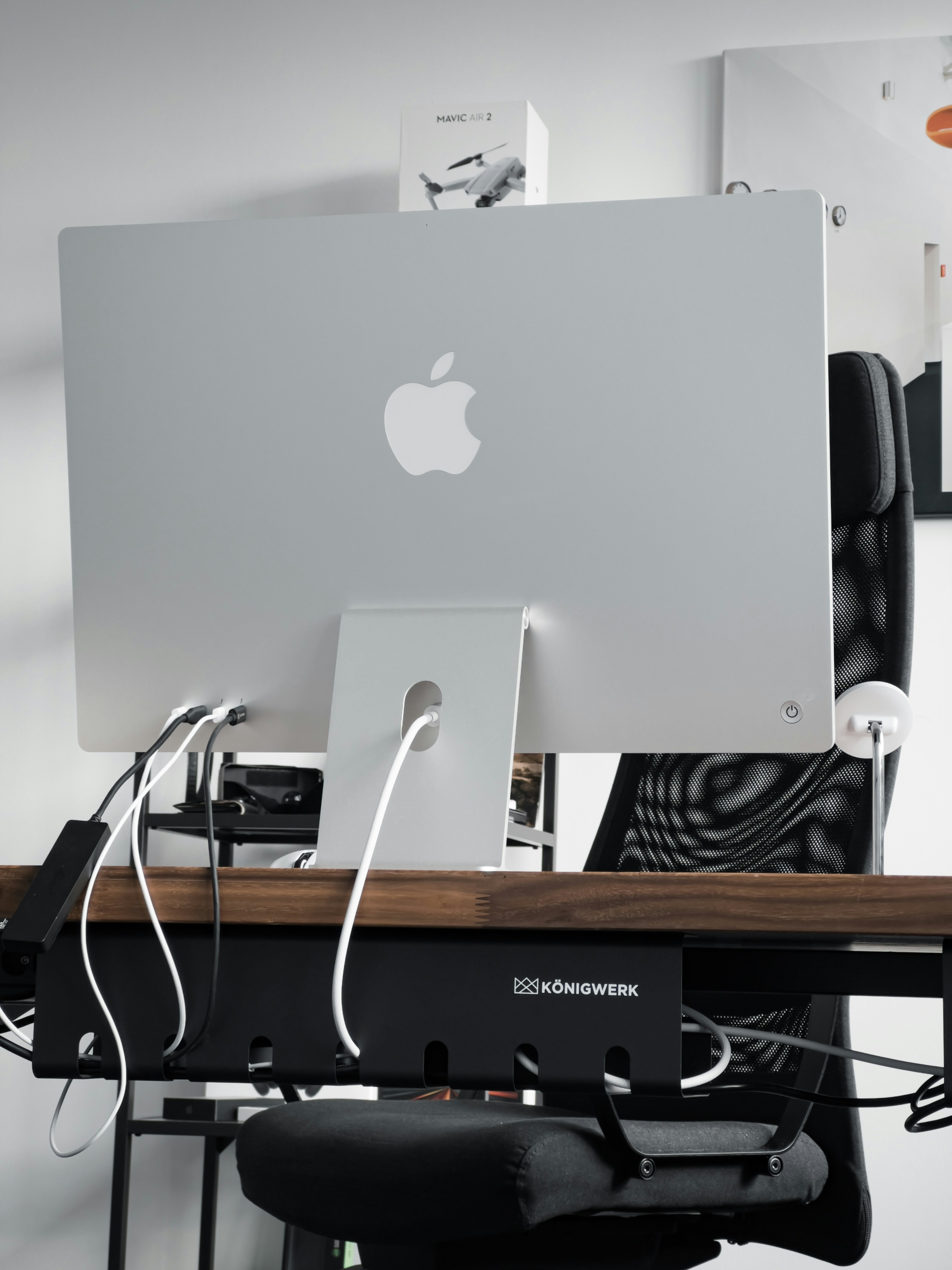
Mac computers are known for their reliability and ease of use, but when they stop working correctly, finding practical solutions can be frustrating. Hauling your entire home office setup to a crowded retail store isn't always feasible. That's why having local, onsite assistance makes all the difference for troubleshooting real-world workstation environments.
Quick Answer: Common Mac Issues We Help With
Our onsite technicians frequently resolve these everyday Apple and Mac challenges:
- Slow MacBook or iMac performance
- Mac storage full or "System Data" taking too much space
- iCloud, Apple ID, photos, contacts, and file syncing issues
- Time Machine backup problems
- External drive and data transfer issues
- Printer and Wi-Fi problems on Mac
- Dual monitor, docking station, and home office setup issues
- Browser pop-ups, suspicious alerts, and unwanted startup items
- Email setup for Apple Mail, Outlook, Gmail, and Microsoft 365
Why Onsite Mac Support Can Be Better Than Guessing
Taking your Mac to a repair counter often means leaving your actual environment behind. However, onsite help is incredibly useful because the technician can see your real setup: the specific Wi-Fi router, the stubborn wireless printer, dual monitors, docking stations, external drives, and how your iPhone or iPad is syncing. By troubleshooting the actual home office environment, we can identify root causes that wouldn't show up on a test bench.
Common Apple & Mac Workstation Problems
| Problem | Possible Cause | How We Help |
|---|---|---|
| Mac running slow | Low storage, startup apps, old software, or failing drive | Review performance, storage, updates, startup items, and backup options |
| iCloud not syncing | Apple ID, storage, network, or settings issue | Check syncing settings, storage, and connected devices |
| Time Machine backup failing | External drive, permission, indexing, or configuration issue | Review backup drive, settings, and backup schedule |
| Printer not working on Mac | Wi-Fi, driver, AirPrint, or network problem | Reconnect printer, review settings, and test printing |
| Dual monitors not working | Dock, cable, adapter, DisplayLink, or Mac model limitation | Review hardware, display settings, and practical options |
| Mac storage full | Photos, downloads, cache, iPhone backups, or system data | Identify large storage areas and clean safely |
Mac Storage Full: What to Check First
When your Mac alerts you that your disk is almost full, the system can crawl to a halt. The biggest culprits are usually old Downloads, massive Photos libraries, forgotten iPhone or iPad backups, large videos, hidden cache files, and the mysterious "System Data" category. We help you safely identify and clear out space without accidentally deleting random system files that your operating system needs to function.
Time Machine and Backup Setup
Backups matter immensely for safeguarding photos, important documents, business files, and irreplaceable family memories. A single data recovery attempt can be stressful and costly. We can help you configure Time Machine with local external drives, set up secondary cloud backup options, and regularly test those backups to ensure they are working properly.
iCloud, Apple ID, and Device Syncing Problems
The Apple ecosystem is wonderful when it works, but confusing when it breaks. Common iCloud problems include photos refusing to sync across devices, Desktop and Documents folders becoming jumbled, contacts not matching between your iPhone and Mac, persistent Apple ID password prompts, and low iCloud storage warnings that lock up your email. We navigate these settings to restore seamless syncing.
Mac Printer, Wi-Fi, and Home Network Issues
Many Mac problems are really network and Wi-Fi problems in disguise. We troubleshoot AirPrint failures, wireless printers that randomly go offline, adjustments needed after router changes, and frustrating Wi-Fi dead zones. We ensure your Mac maintains a strong, reliable connection to your local devices and the internet.
Mac Home Office and Dual Monitor Setup
Building the perfect work-from-home environment requires the right connections. We provide help with setting up multi-port docks, USB-C and Thunderbolt adapters, external monitors, webcams, ergonomic printers, and external drives. It's important to note that some newer Mac models (like the base M1/M2/M3 chips) have specific display limitations. We help ensure you choose and configure the right hardware for your workstation.
Mac Security, Pop-Ups, and Suspicious Alerts
While Macs are inherently secure, they are not immune to browser hijackers, fake pop-ups, unwanted Safari or Chrome extensions, suspicious notifications, and scam alerts. There is no need to panic. We can provide calm, practical malware removal and security checkups to restore your peace of mind.
Onsite Mac Support vs. Remote Mac Support
| Support Type | Best For | Limitations | Good Fit |
|---|---|---|---|
| Onsite Mac Support | Printers, Wi-Fi, monitors, external drives, backups, multiple devices | Requires a local appointment | Homes, seniors, home offices, and small businesses in Palm Beach County |
| Remote Mac Support | Email, iCloud settings, software questions, browser issues, light troubleshooting | Requires working internet and a Mac that turns on | Quick help for software and account issues |
| Both Options | Problems that need diagnosis first | Some issues may start remote and move onsite | Customers who want the fastest practical solution |
Mac Support Checklist Before Your Appointment
To make the most of your onsite visit, ensure you are prepared with the following:
- Have your Mac, charger, and password available
- Keep external drives nearby
- Have your iPhone or iPad available if iCloud is involved
- Know which printer or Wi-Fi network is causing trouble
- Take photos of error messages if possible
- Do not erase or reset your Mac before getting help if you need the files
How Palm Beach PC Services Helps Mac Users
Palm Beach PC Services helps with Mac troubleshooting, iCloud issues, Time Machine backups, printer setup, Wi-Fi problems, slow Mac performance, file transfer, and external drives. We offer both secure remote computer support and thorough onsite computer repair, delivering reliable small business and home office tech support tailored to your unique Apple ecosystem.
Local Mac Support in Palm Beach Gardens and Nearby Areas
Palm Beach PC Services provides onsite computer repair and tech support in Palm Beach Gardens as well as nearby areas including North Palm Beach, Juno Beach, Riviera Beach, Singer Island, Palm Beach, Lake Park, West Palm Beach, Jupiter, Abacoa, Boca Raton, Delray Beach, Manalapan, Ocean Ridge, and Gulf Stream. Remote support is also available nationwide.
Frequently Asked Questions
Do you provide onsite Mac support in Palm Beach Gardens?
Yes, we provide direct, onsite assistance for Mac users throughout Palm Beach Gardens and the surrounding local communities to resolve issues right at your desk.
Can you help with a slow MacBook or iMac?
Absolutely. We diagnose storage bottlenecks, overwhelming startup items, and background processes to clean up your system and improve its daily speed.
Can you help fix iCloud or Apple ID syncing problems?
Yes, we regularly assist clients with restoring communication between their iCloud storage, Apple ID settings, iPhone, iPad, and their Mac so everything syncs smoothly.
Can you set up Time Machine backups?
Yes, we can help you choose the right external storage drive, configure Time Machine properly, and ensure your backups run reliably without interrupting your work.
Can you help connect Mac computers to printers and Wi-Fi?
Yes, setting up AirPrint, wrestling with offline wireless printers, and expanding Wi-Fi coverage for Mac users is a large part of our everyday onsite support.
Can remote support help with Mac problems?
Yes, if your Mac turns on and connects to the internet, we can use secure remote support tools to configure email, resolve software pop-ups, and fix minor settings quickly.
Need help with a MacBook, iMac, iCloud, Time Machine backup, printer, Wi-Fi, or home office setup? Call or text Palm Beach PC Services at 561-351-5858 or contact us online for onsite Mac support in Palm Beach Gardens and nearby areas.