
Smart Home Security: How to Protect Cameras, Wi-Fi Devices, and Connected Homes in Palm Beach Gardens
Palm Beach PC Services
Tech Expert
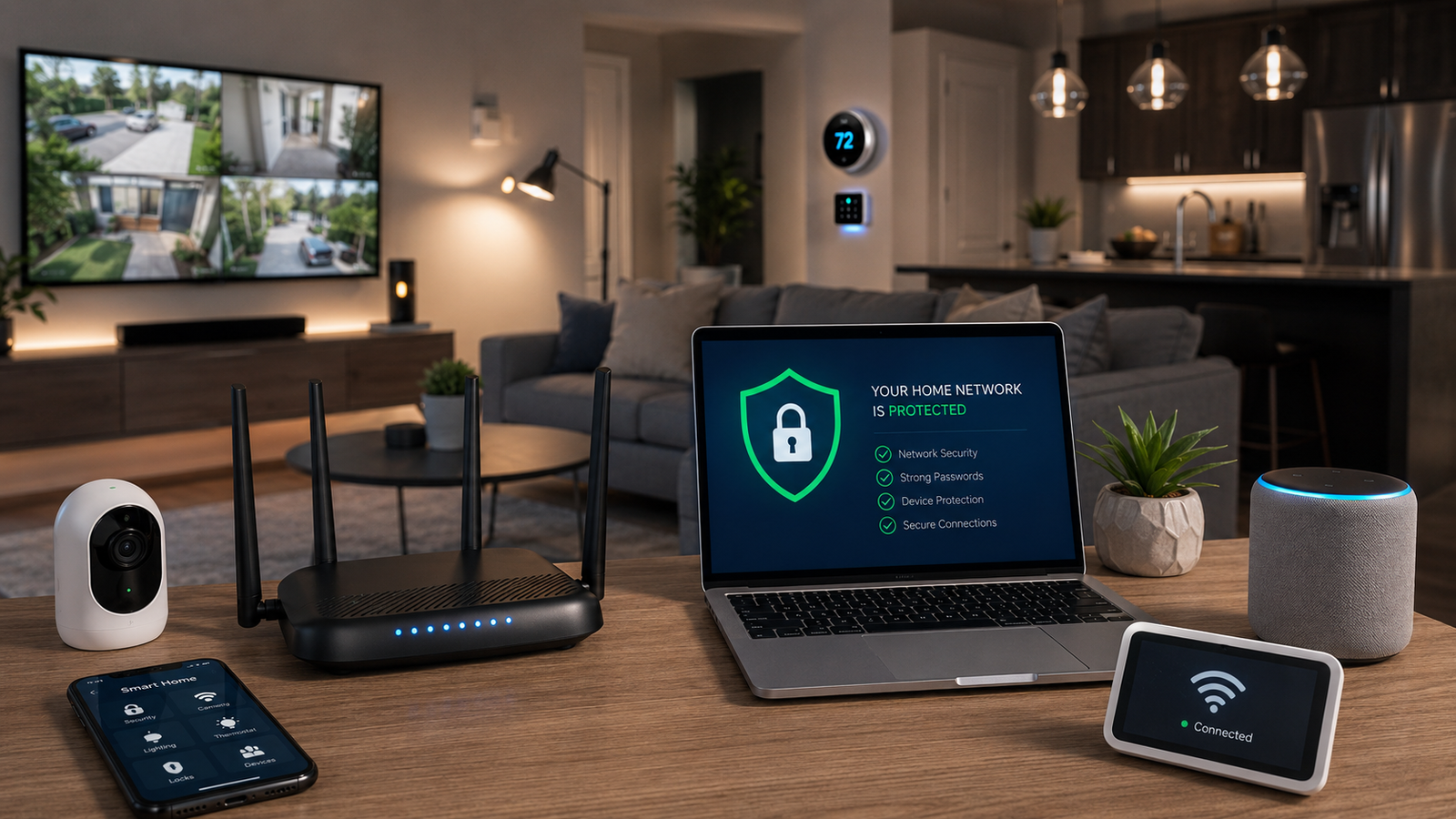
Today's modern homes are more connected than ever before. Smart locks, wireless cameras, smart TVs, intelligent thermostats, voice assistants, and connected appliances make our lives incredibly convenient. However, this convenience comes with a hidden cost: each new device you plug into the wall and connect to your Wi-Fi adds another possible entry point into your home network.
Many homeowners simply plug their devices into the default router provided by their Internet Service Provider (ISP) using basic settings designed for quick setup, not robust protection. In this guide, we will explore practical, plain-English steps you can take to secure your smart home network without making it too complicated to use.
1. Why Smart Home Devices Can Create Security Risks
Smart home devices, often referred to as the Internet of Things (IoT), are designed to be "always on" and constantly connected to the internet so they can respond instantly to your commands. Unfortunately, many of these devices are manufactured with a focus on keeping costs low rather than keeping security high.
Unlike your laptop or smartphone, which regularly prompt you to install security updates, many smart devices never receive software updates. If they are left on their factory default settings, they can become an easy target. If a hacker manages to compromise a weak smart device, they can potentially use it as a stepping stone to access the rest of your network, including your personal computers.
2. Common Devices That Should Be Protected
When we talk about securing a home network, we aren't just talking about desktop computers. Any device that transmits data over your Wi-Fi should be considered part of your security plan. This includes:
- Smart Cameras & Doorbells: Devices that monitor your physical property.
- Smart Locks & Security Systems: Equipment that controls physical access to your home.
- Smart TVs & Streaming Devices: Often hold saved passwords for premium accounts.
- Thermostats & Appliances: Seemingly harmless, but still connected to your core network.
- Voice Assistants: Smart speakers that are constantly listening for activation words.
- Printers & Network Storage: Devices that hold or process your personal documents.
- Tablets & Gaming Systems: Devices frequently used by guests or children.
3. Why Your Router and Wi-Fi Setup Matter
Think of your router as the front door to your digital home. It directs all the traffic coming in from the internet and sends it to the correct devices. If your router is weak, your entire network is vulnerable, regardless of how secure your individual computers might be.
Weak administrative passwords, outdated firmware, poor physical placement causing signal drops, and leaving default ISP settings untouched are common mistakes. Furthermore, if you are still using a router that is more than five years old, it likely lacks modern encryption standards (like WPA3) necessary to keep today's aggressive online threats at bay.
4. Separate Smart Devices From Main Computers
One of the most effective ways to secure a home network is through separation. In simple terms, your smart devices should not always be mingling on the exact same network as your laptops, business computers, and smartphones.
Most modern routers offer a "Guest Network" feature. By placing your smart TVs, lightbulbs, and visitor's phones on the guest network, and keeping your personal computers on the primary network, you create a digital wall. If a smart bulb is compromised, the attacker is trapped on the guest side and cannot easily cross over to steal files from your main desktop. For even stronger protection, advanced network segmentation (VLANs) can be configured by a professional.
Basic Wi-Fi Setup vs. More Secure Smart Home Setup
| Setup Type | How It Works | Risk Level | Best For |
|---|---|---|---|
| Basic ISP Router Setup | Most devices share one network | Higher risk if one device is compromised | Simple homes with few devices |
| Guest Network Setup | Visitors and some smart devices use a separate network | Better isolation | Homes with guests, tablets, and smart TVs |
| Segmented Smart Home Network | Main computers, guests, cameras, and IoT devices are separated | Stronger protection | Larger homes, home offices, and high-device households |
| Managed Network Setup | Uses better router/firewall, access points, and custom rules | Best protection | High-end homes, small offices, and security-conscious users |
5. Change Default Passwords and Use Strong Wi-Fi Security
Never leave a smart device or router on its default factory password (like "admin" or "password"). Hackers have massive databases of default passwords for every major brand. Creating a strong, unique password for your router's admin panel and your Wi-Fi network is the easiest and most critical step you can take. Ensure your router is using WPA2 or WPA3 encryption, and never share your primary Wi-Fi password freely—give guests access to the guest network instead.
6. Keep Routers and Smart Devices Updated
Just like your smartphone, your router and smart home devices require software updates (firmware) to patch newly discovered security holes. Make it a habit to log into your router's app and your smart home apps every few months to check for updates. If a device is so old that the manufacturer no longer supports it, it may be time to unplug it to keep the rest of your network safe.
7. Be Careful With Remote Access and Cloud Features
Many smart cameras and locks allow you to control them from your phone while you are away from home. This requires creating a cloud account with the manufacturer. Because these apps control physical access to your home and internal camera feeds, they must be protected rigorously. Always use a strong, unique password for these apps and enable Multi-Factor Authentication (MFA) whenever it is offered. This ensures that even if someone guesses your password, they cannot log in without a code sent to your phone.
8. When Onsite Help Is Better Than Guessing
While basic setups can sometimes be handled via remote support, securing a complex home network often requires an expert's physical presence. Onsite support is incredibly helpful when dealing with router placement to fix Wi-Fi dead zones, setting up secure smart cameras, troubleshooting stubborn smart TVs or printers, correctly implementing network separation, and managing larger homes with dozens of connected devices.
9. How Palm Beach PC Services Helps
At Palm Beach PC Services, we take the frustration out of home technology. We specialize in comprehensive Networking & Wi-Fi solutions, ensuring your router is configured for maximum security and optimal speed. Whether you are struggling with a new printer setup, need to separate your smart devices from your main computers, or require expert Business IT Support for a secure home office, our team is ready to help.
Beyond networking, we provide fast onsite Computer Repair, nationwide Remote Computer Support, deep Virus & Malware Removal, and reliable Email & Outlook Support. Let us build a secure digital foundation for your home so you can enjoy your smart devices with peace of mind.
Local Service Area
Palm Beach PC Services provides onsite computer repair and tech support in Palm Beach Gardens as well as nearby areas including North Palm Beach, Juno Beach, Riviera Beach, Singer Island, Palm Beach, Lake Park, West Palm Beach, Jupiter, Abacoa, Boca Raton, Delray Beach, Manalapan, Ocean Ridge, and Gulf Stream. Remote support is also available nationwide.
Frequently Asked Questions
Are smart home devices a security risk?
Yes, they can be if not set up correctly. Because smart devices connect to your Wi-Fi, an insecure device with a default password or outdated software can potentially allow an unauthorized user a foothold into your home network.
Should smart devices be on a separate Wi-Fi network?
Ideally, yes. Placing smart devices on a separate network (like a guest network or a dedicated IoT network) isolates them from your main computers and smartphones. If a smart lightbulb is compromised, the attacker cannot easily access the laptop you use for banking or work.
How often should I update my router?
You should check for and install router firmware updates at least every few months, or enable automatic updates if your router supports it. If your router is more than 5 years old and no longer receives updates from the manufacturer, it is time to replace it.
Can Palm Beach PC Services help secure my home Wi-Fi?
Absolutely. We specialize in optimizing and securing home and small business networks. We can configure your router, set up separate networks for your smart devices, change default passwords, and ensure your Wi-Fi coverage is strong and safe.
Do I need onsite support for smart home network problems?
Onsite support is highly recommended for network configuration because we need to physically evaluate your router placement, identify Wi-Fi dead zones, test device connectivity directly, and properly configure your main hardware for optimal security and performance.
Need Network Troubleshooting or Setup?
Need help securing your smart home, Wi-Fi network, cameras, printers, or connected devices? Call or text Palm Beach PC Services at 561-351-5858 or contact us online for onsite or remote computer support.