
South Florida Storm & Hurricane Tech Preparation: How to Protect Your Computers, Data, Wi-Fi, and Home Office
Palm Beach PC Services
Tech Expert
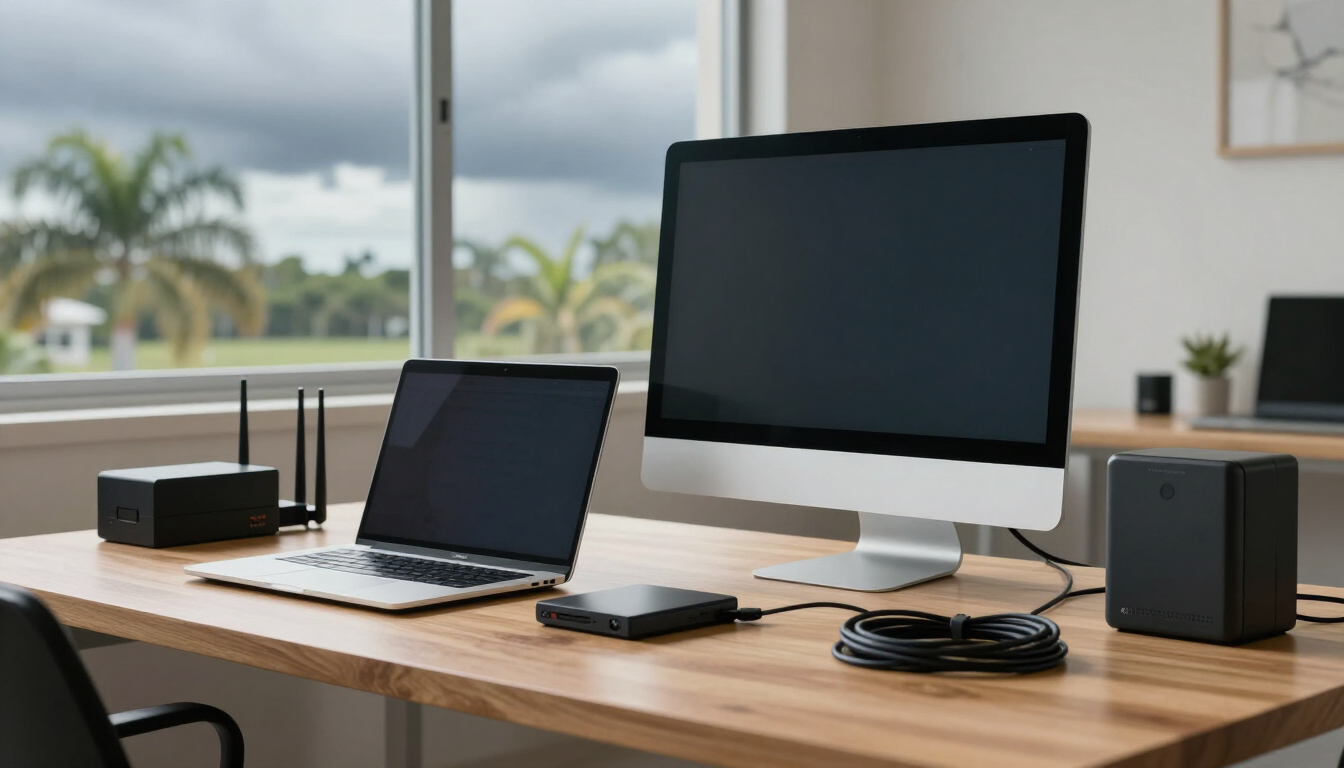
In South Florida, storm preparation usually means shutters, water, batteries, and a generator. Those things matter. But after more than 25 years of cleaning up after storms around Palm Beach County, I can tell you that the computers, routers, printers, and external drives are the things people forget until it's too late.
Power outages, lightning, flooding, and internet disruptions can take out work files, family photos, business systems, and home office setups in a matter of seconds. A little prep ahead of time can help reduce the risk and make recovery a lot easier after the storm passes. This guide walks through what I do for my own equipment and what I help neighbors and small businesses with every season.
Quick Answer: How to Prepare Your Tech Before a South Florida Storm
Before a hurricane or major storm, back up your important files, unplug computers and network equipment from power and communication lines, elevate electronics off the floor, photograph cable connections, fully charge laptops and phones, protect external drives, and avoid turning equipment back on too quickly after power returns.
Quick checklist:
- Back up important files before the storm
- Test cloud backup or external backup access
- Shut down computers properly
- Unplug power cables from the wall
- Disconnect Ethernet, coax, and phone lines where applicable
- Elevate desktops, printers, and external drives off low floors
- Photograph cable connections before unplugging
- Fully charge laptops, phones, tablets, and battery banks
- Protect external drives in waterproof storage
- Wait before powering equipment back on after the storm
Before, During, and After the Storm: Tech Safety Checklist
| Storm Phase | What to Do | Why It Matters |
|---|---|---|
| Before the storm | Back up files, photograph cables, charge devices, unplug nonessential equipment | Helps protect data and makes recovery easier |
| During the storm | Keep equipment unplugged unless truly needed, avoid using sensitive electronics during lightning, use battery power when possible | Reduces exposure to power surges and sudden outages |
| After the storm | Check for moisture, wait for stable power, reconnect equipment slowly, test internet and backups | Helps avoid damaging equipment after power returns |
Why Storms Are Hard on Computers, Wi-Fi, and Home Offices
Most people think a surge protector is the whole story. It's not. Lightning can travel through more than just the power line. It can come in through coax cable lines, Ethernet cables, and old phone lines too. I've seen modems fried through the coax while the computer plugged into the same surge protector was fine. I've also seen it go the other way.
Power flickers are another big one. When the grid blinks on and off rapidly, that's rough on power supplies inside desktops, external drives, and routers. A clean shutdown and a physical unplug are safer than riding it out plugged in.
Then there's water. Flooding and humidity can affect electronics even when nothing is fully submerged. Condensation inside a desktop or a router after a storm can cause failures days later. And internet equipment can fail even when the computer is perfectly fine, leaving a remote worker or small business cut off from files, printers, and cloud systems with no clear idea what went wrong.
The 15-Minute Pre-Storm Tech Checklist
You don't need a complicated plan. These six steps take about 15 minutes once you've done them a couple of times, and they cover the things that actually get damaged in storms.
1. Back Up Important Files First
This is the one that matters most. Before you do anything else, copy your important files somewhere safe. That means external drives and cloud backups. Think about what you'd actually be upset to lose: business documents, tax files, family photos, QuickBooks files, client files, and the things people leave sitting on their Desktop or in their Downloads folder because "I'll organize it later."
If you run a small business, this is also the time to confirm your data recovery plan and your business IT support backups are actually running. A backup you've never tested is just a hope. Open one file from your cloud backup to make sure it works.
2. Take Photos of Your Cable Connections
This sounds silly until you're staring at a pile of cables after the storm trying to remember which one went to the monitor, which went to the printer, and which was the dock. Take a few quick photos with your phone before you unplug anything. Monitors, printers, routers, docks, external drives, and desktops all have cables that look alike but don't go in the same place. A photo saves you a lot of guessing later.
3. Shut Down Computers Properly
Don't just pull the plug while the computer is running. A proper shutdown lets the operating system close files cleanly and flush data to the drive. Yanking power while Windows or macOS is writing to disk can corrupt files and leave you with a drive that won't boot after the storm. Shut down normally, wait for it to fully power off, then unplug.
4. Unplug Power, Ethernet, Coax, and Phone Lines
Surge protectors help, and I recommend using them. But during severe lightning, unplugging sensitive electronics from the wall is safer when you can. The same goes for communication cables. Disconnect Ethernet cables from the router or computer, unplug the coax from the modem, and disconnect any phone lines where applicable. Lightning doesn't care which cable it rides in on.
You don't have to do this for every device in the house. Focus on the expensive or hard-to-replace stuff: the main computer, the external backup drives, the modem and router, and any business equipment.
5. Elevate Electronics Off the Floor
Desktops, printers, backup drives, power strips, routers, and small office equipment all belong up off the floor before a storm. This is especially important for ground-level rooms, garages, condos, and offices prone to water intrusion. Even a few inches can be the difference between a wet computer and a dry one. Put a desktop on a desk or a sturdy box. Move power strips up onto a table. If you have a server or network gear in a low closet, think about where water would pool.
6. Protect External Drives and Backup Media
External drives hold the stuff you cared enough to back up, so treat them that way. Put them in waterproof containers or bags. Keep them away from windows and off the floor. And if you can, store one backup away from the home or office, maybe at a relative's house or in a safe deposit box. If the building takes water, a backup sitting next to the computer goes down with it.
Storm Prep for Small Businesses and Remote Workers
If you work from home or run a small business, a storm isn't just about the hardware. It's about whether you can keep working, or at least pick back up quickly. A few things to check before the weather turns:
- Check cloud access before the storm. Log in once and make sure you can actually reach your files.
- Make sure passwords and MFA methods are available. If your authenticator app lives only on a phone with a dead battery, that's a problem.
- Save critical documents offline if needed, in case internet is down for days.
- Confirm backup access, not just that the backup ran.
- Plan for internet outages. Know what you'll do if Wi-Fi is down for a while.
- Keep laptop chargers, hotspot devices, and battery banks ready and charged.
- Know who to contact for tech recovery after the storm.
If something goes wrong after the storm, remote computer support can often get a working laptop back online quickly. For bigger issues, business IT support and email & Outlook support can sort out accounts, email, and file access once power and internet return.
Internet, Wi-Fi, and Router Preparation
Modems and routers need protection too. They're some of the most common casualties after a storm, and people often blame the computer when the router is the real problem. A UPS (uninterruptible power supply) battery backup can help during short outages by keeping the modem and router alive through brief flickers. It won't carry you through a long-term outage, but it can prevent the constant on-off cycling that wears out equipment.
Don't overload battery backups. A small UPS is meant for a modem, a router, and maybe a monitor, not a desktop computer, a laser printer, and everything else on the desk. Read the rating and keep it realistic.
After power returns, restart things in order: modem first, then router, then computers. Give the modem a couple of minutes to fully connect before turning on the router. Wi-Fi issues after storms can be caused by the router, the modem, an ISP outage, damaged cables, or device settings, so don't assume the worst right away. For ongoing network problems, our networking & Wi-Fi support can help sort it out.
Common Storm-Related Tech Problems and What They May Mean
| Problem After the Storm | Possible Cause | What to Check First |
|---|---|---|
| Computer will not turn on | Power surge, power supply issue, moisture, or damaged outlet | Check outlet, power cable, surge protector, and visible moisture |
| Internet is down | ISP outage, modem/router issue, coax problem, or power problem | Restart modem/router safely and check ISP status |
| Printer will not connect | Wi-Fi reset, router change, printer offline, or driver issue | Reconnect printer to Wi-Fi and test from one device |
| External drive not recognized | Drive damage, cable issue, USB port issue, or file system problem | Stop using the drive if files are important |
| Email not working | Internet outage, password issue, server issue, or account security check | Test internet first, then check account access |
| Wi-Fi is weak or unstable | Router issue, signal interference, ISP problem, or damaged equipment | Test near router and restart equipment in order |
What Not to Do After a Storm
Some of the worst damage I see happens after the storm, when people try to get back to normal too fast. A few things to avoid:
- Do not turn on wet electronics. Let them dry and get them checked first.
- Do not plug in equipment that smells burnt or looks damaged.
- Do not keep trying to power on a computer that clicks, sparks, or shuts off right away.
- Do not format an external drive if it asks to be formatted. That can wipe your files.
- Do not assume internet problems are always your computer. It's often the router or the ISP.
- Do not plug expensive equipment directly into generator power without proper protection.
- Do not ignore strange pop-ups or account alerts after an outage.
If a computer won't turn on, smells off, or a drive is acting strange, it's better to stop and get help than to keep poking at it. Computer repair, virus & malware removal, and data recovery are all easier, and more likely to work, when the equipment hasn't been pushed further.
Generator and UPS Battery Backup Caution
A generator can help keep important equipment running during a long outage, and around South Florida a lot of people have them. But generator power isn't always as clean as wall power, and sensitive electronics like computers, routers, and external drives can be sensitive to that. The safer setup is to run a quality UPS battery backup between the generator and your sensitive gear, with proper surge protection in the mix.
I'm not going to tell you a generator will ruin your computer, because that's not always true. But I will say this: avoid plugging computers, routers, external drives, and network equipment into questionable power sources without understanding the risk. If you're not sure, run the essentials on the generator and keep the computer off until wall power is stable. I'm an IT technician, not an electrician, so for anything involving wiring, transfer switches, or generator hookup, talk to a licensed electrician.
Special Tips for Seniors and Families
A few things I tell my older clients and families every storm season:
- Keep passwords written safely or available to a trusted family member. After a storm is a bad time to realize you can't get into your email.
- Take pictures of cables before unplugging anything.
- Charge phones and tablets early, before the power goes out.
- Do not call pop-up phone numbers after the storm. Scammers love a good outage.
- Ask for help before erasing, resetting, or replacing a computer. A lot of working computers get thrown out over a simple settings problem.
- Protect family photos and documents before storm season, not the morning a storm is already on the way.
How Palm Beach PC Services Helps Before and After Storms
We help with the practical stuff. Before a storm, that can mean checking that backups are actually working, helping you copy files to an external drive or the cloud, and walking through what to unplug. After a storm, it's usually the cleanup: a computer that won't turn on, an external drive that isn't recognized, Wi-Fi and router problems, email issues, malware concerns from pop-ups, and small business tech recovery.
We offer computer repair, remote computer support, networking & Wi-Fi help, data recovery, email & Outlook support, and business IT support, both onsite and remote. If you're not sure what's wrong, reach out and we'll help you figure out the next step.
Local Storm Tech Support in Palm Beach Gardens and Nearby Areas
Palm Beach PC Services provides onsite computer repair and tech support in Palm Beach Gardens as well as nearby areas including North Palm Beach, Juno Beach, Riviera Beach, Singer Island, Palm Beach, Lake Park, West Palm Beach, Jupiter, Abacoa, Boca Raton, Delray Beach, Manalapan, Ocean Ridge, and Gulf Stream. Remote support is also available nationwide.
Frequently Asked Questions
Should I unplug my computer before a hurricane?
Yes. Before a major storm, shut down your computer properly and unplug the power cable from the wall. Also disconnect Ethernet, coax, and phone lines where applicable, because lightning can travel through those cables. Unplugging is safer than relying on a surge protector alone during severe lightning.
Will a surge protector protect my computer during a storm?
A surge protector can help reduce risk from smaller power spikes, but it may not stop a direct lightning strike. During severe lightning, unplugging sensitive electronics from the wall and communication lines is safer when possible. A quality UPS battery backup adds another layer of protection for short outages.
How do I back up my files before a storm?
Copy important files to an external hard drive and confirm your cloud backup is current. Include business documents, tax files, QuickBooks files, client files, family photos, and anything in your Desktop and Downloads folders. Store one backup away from the home or office if practical, and protect drives in waterproof storage.
What should I do if my computer will not turn on after a storm?
First check the outlet, power cable, and surge protector in another room. Look for visible moisture or a burnt smell. Do not keep trying to power on a computer that clicks, sparks, or shuts off right away. If files on the drive are important, stop using it and get help before risking further damage.
Why is my internet down after a hurricane?
Internet problems after a storm can be caused by an ISP outage, a modem or router issue, a damaged coax cable, or a power problem. Restart the modem first, then the router, then your computers. If service does not return, check your provider's outage status before assuming the computer is broken.
Can I plug my computer into a generator?
Be careful. A generator can help keep equipment running, but sensitive electronics should be protected with proper surge protection and ideally a quality UPS. Avoid plugging computers, routers, and external drives into questionable power sources without understanding the risk. For wiring or generator hookup, talk to a licensed electrician.
Should I format my external drive if it asks to be formatted after a storm?
No. If a drive asks to be formatted after a power outage, the file table may be corrupted but your files may still be there. Formatting can make recovery much harder. Stop using the drive and get help if the files matter to you.
Do you offer storm tech support in Palm Beach Gardens?
Yes. Palm Beach PC Services helps with backup checks, computer troubleshooting, external drive issues, Wi-Fi and router problems, email issues, remote support, and onsite service in Palm Beach Gardens and nearby Palm Beach County areas. Remote support is also available nationwide.
Need help preparing your computer, Wi-Fi, backups, or small business technology before or after a South Florida storm? Call or text Palm Beach PC Services at 561-351-5858 or contact us online for onsite tech support in Palm Beach Gardens and nearby Palm Beach County areas.