
What to Do Before Taking Your Computer to a Repair Shop in Palm Beach Gardens
Palm Beach PC Services
Tech Expert
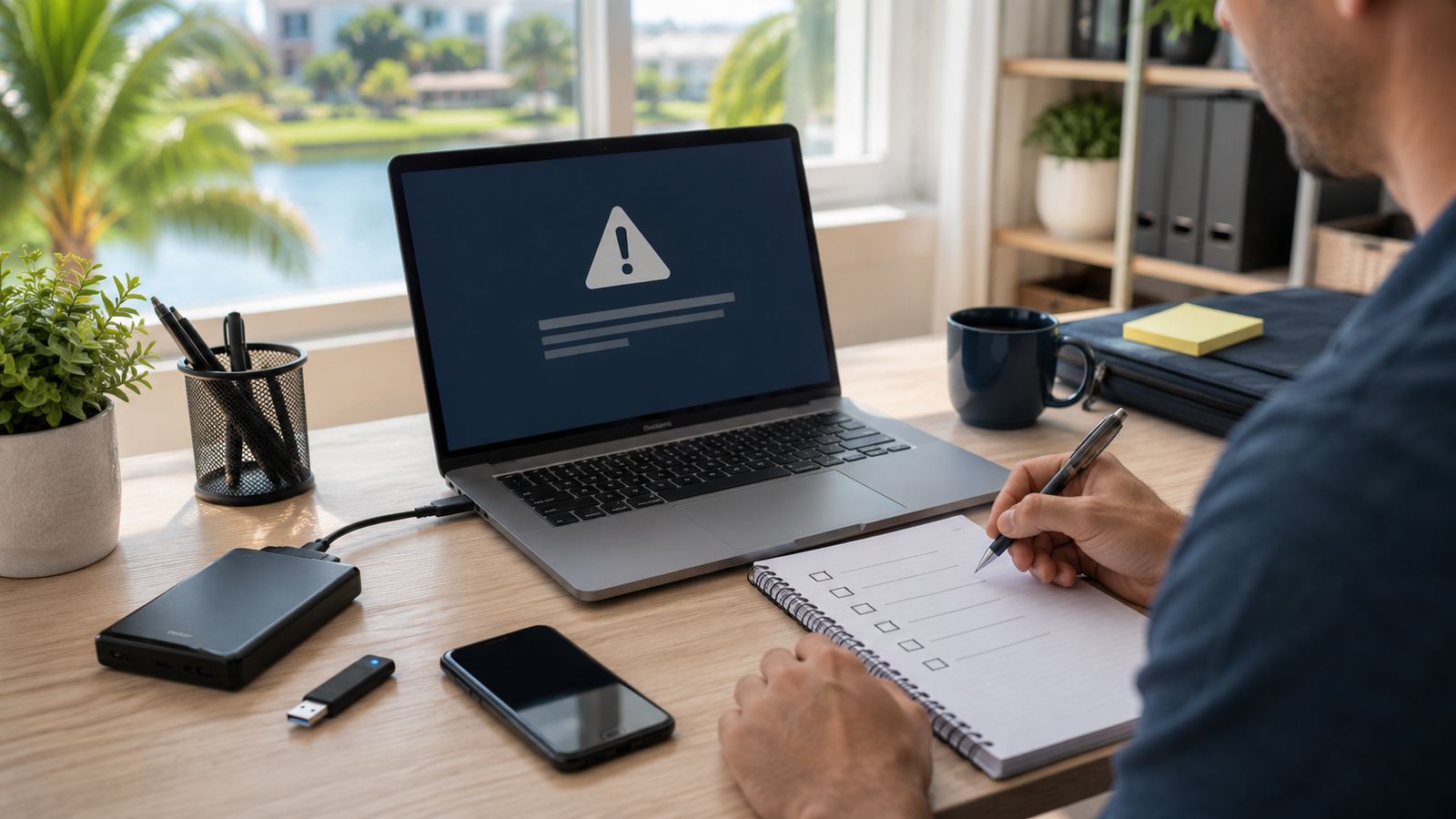
When a computer starts acting up, many people instantly think they need to unplug a mess of dusty cords, load their heavy tower into the car, and drop it off at a big-box retail repair shop for weeks. However, a few simple preparation steps can save you time, protect your most important files, and help the technician diagnose the issue significantly faster. What's more, you might not need to leave your house at all—onsite and remote support may be far easier than carrying the computer to a store.
1. Back Up Important Files First
Before any repair work begins, protecting your personal data is the top priority. While professional technicians take extreme care not to lose your data, hardware failures can be unpredictable. If possible, back up your photos, documents, business files, tax records, and saved passwords to an external USB hard drive or a cloud service like OneDrive or Google Drive. If your computer won't turn on to allow a backup, tell the technician immediately. Our Data Recovery services can often safely extract your files directly from the hard drive before repair work starts.
2. Write Down the Problem
"It's just acting weird" is a tough starting point for any tech. To speed up your Computer Repair, write down exactly what is happening. Note when the issue occurs (e.g., "only when I open Chrome" or "right when the computer turns on"), whether the issue started after a recent Windows update, and whether it happens every time or only occasionally. The more details you provide, the faster the diagnostic process will be.
3. Take Screenshots or Photos of Errors
Error messages are full of cryptic codes that are actually highly valuable to technicians. Instead of trying to memorize them, simply take a screenshot using your computer, or grab your smartphone and snap a picture of the screen. Photos of error messages, aggressive pop-ups, blue screens, or printer/network connection messages can cut diagnostic time in half.
4. Know Your Passwords, But Do Not Share Them Carelessly
To fix your system, your technician will likely need your Windows or Mac login password. If you are getting Email & Outlook Support, they may need your Microsoft 365 or email passwords. Have these written down and ready, but remember to keep this security-focused: avoid giving out your master passwords to untrusted people, and always change critical passwords (like online banking) after sharing your computer with a third party, just to be completely safe.
5. Ask About Pricing and Diagnostics
Nobody likes surprise bills. Before you agree to any repair, always ask about service rates, diagnostic fees, and what is included in the quoted price. Ask if they charge by the hour or if they offer a flat rate for certain services. Clarify the cost differences between dropping it off, having an onsite visit, or receiving remote support.
6. Check If Remote Support Can Solve It First
You might not need to unplug anything at all. If your computer turns on and connects to the internet, many problems can be fixed digitally. Remote Computer Support can often instantly fix email synchronization issues, software glitches, annoying pop-ups, Windows settings, driver updates, and some Virus & Malware concerns without an onsite visit.
7. When Onsite Support Is Better
Remote support is great, but sometimes a physical presence is mandatory. Onsite service is significantly better for diagnosing physical hardware issues (like a failing hard drive), fixing Networking & Wi-Fi dead zones, setting up stubborn wireless printers, configuring heavy desktop systems, or dealing with multiple devices across a household or office. It is also perfect for situations where the customer simply does not want the hassle of unplugging all the cords.
8. Why Palm Beach PC Services Comes to You
Why haul your computer across town when the expert can come to your living room or office desk? Palm Beach PC Services provides friendly, plain-English onsite computer repair and comprehensive Business IT Support for homes and small businesses. We also offer secure remote support nationwide when a quick digital fix is all you need.
Local Service Area
Palm Beach PC Services provides onsite computer repair in Palm Beach Gardens as well as nearby areas including North Palm Beach, Juno Beach, Riviera Beach, Singer Island, Palm Beach, Lake Park, West Palm Beach, Jupiter, Abacoa, Boca Raton, Delray Beach, Manalapan, Ocean Ridge, and Gulf Stream. Remote support is also available nationwide.
Frequently Asked Questions
Should I back up my computer before repair?
Yes, absolutely. While most repairs don't result in data loss, it's always best practice to have a recent backup of your most important photos, documents, and business files before any major software or hardware work begins.
Do I need to bring my computer to a repair shop?
Not necessarily! Many computer issues can be solved without you having to unplug everything and drive to a store. We offer convenient onsite support where we come to you, as well as secure remote support for software-related problems.
Can remote support fix my computer problem?
Remote support is incredibly effective for resolving software issues, email setup, driver updates, pop-up removal, and minor virus cleanups. As long as your computer can turn on and connect to the internet, we can likely help you remotely.
What should I have ready before a computer repair appointment?
It helps to write down the exact error messages you're seeing, when the issue started, and whether it happens all the time or only during specific tasks. Having your passwords (like your Wi-Fi password or Microsoft account login) handy is also very helpful.
Expert Help Is Just a Call Away
Need help before you unplug everything? Call or text Palm Beach PC Services at 561-351-5858 or contact us online for onsite or remote computer support.