
Why Your Printer Keeps Going Offline — And How to Fix It
Common causes and proven solutions for printer offline problems.
Palm Beach PC Services
Tech Expert
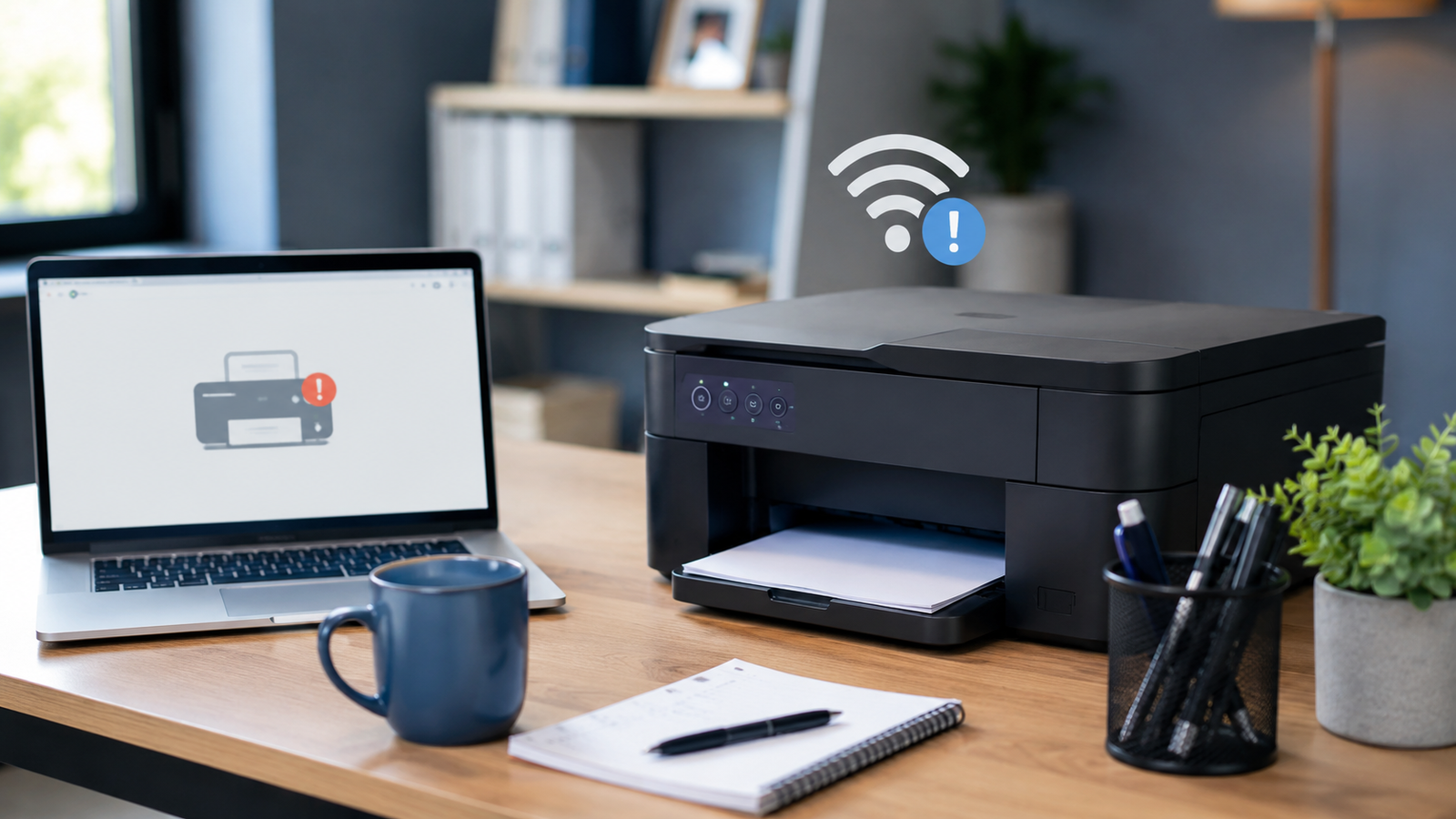
You click "Print," expecting to immediately hear the familiar hum of paper feeding through the machine. Instead, you get total silence and a frustrating little notification on your screen: "Printer is offline." Printer offline issues are incredibly common and infuriating, especially when you are in a rush to print vital documents, invoices, shipping labels, or important business paperwork. Don't worry—most offline issues can be resolved with a few simple troubleshooting steps.
Common Reasons Printers Go Offline
Before attempting to fix the issue, it helps to understand why your computer lost communication with the printer in the first place. Here are the most frequent culprits:
- Wi-Fi connection problems: The printer has disconnected from your home or office wireless network.
- Printer connected to the wrong network: The printer or the computer accidentally switched to a guest network or neighbor's Wi-Fi.
- Outdated printer drivers: The software that tells your computer how to talk to the printer is out of date or corrupted.
- Windows printer settings: The printer was manually set to "Use Printer Offline" in the Windows control panel.
- Printer sleep mode: The printer went into a deep energy-saving sleep mode and failed to wake up when sent a print job.
- IP address changes: Your router assigned a new network IP address to the printer, confusing your computer.
- Paper jams or low ink/toner: Some physical errors trick the operating system into classifying the printer as offline.
- Router or network issues: General glitches in your local network routing.
Safe Fixes to Try First
Before calling for technical support, you can often fix basic printer offline issues by walking through these straightforward steps:
- Restart the printer and computer: The classic "turn it off and back on again" fixes a surprising number of temporary communication glitches.
- Check Wi-Fi connection: Look at the printer's digital display to ensure the Wi-Fi icon is solid, not blinking, and that it is connected to your primary network.
- Make sure the printer is selected as the default printer: Go to your computer's "Printers & Scanners" settings and verify you aren't accidentally trying to print to an old or virtual printer.
- Clear stuck print jobs: A corrupted document stuck at the front of the print queue can block everything else and push the printer offline. Clear the queue completely.
- Check ink, toner, and paper: Ensure there are no hidden paper jams or empty toner cartridges halting the process.
- Restart the router: Unplug your home router for 30 seconds and plug it back in to reset the network routing tables.
- Update printer software/drivers: Visit the manufacturer's website to download and install the latest drivers for your specific model.
When the Problem Is Really a Network Issue
Often, the printer gets the blame when the true culprit is a weak or unstable wireless network. Many persistent printer problems are caused by weak Wi-Fi signals in the room where the printer sits, router configuration issues, or network band switching (like jumping between 2.4GHz and 5GHz bands). If your network is dropping devices randomly, this is where professional networking help often becomes necessary to ensure a stable, continuous connection.
When to Call a Professional
You should get expert help if you find yourself spending more time fighting with the printer than actually printing. Reach out to a professional if:
- The printer keeps going offline repeatedly, even after applying all basic fixes.
- Multiple computers and devices on the network cannot print.
- The printer works sometimes but not consistently, slowing down your workflow.
- A business depends on reliable, uninterrupted printing for daily operations.
- You suspect deep Wi-Fi or router setup issues may be involved.
How Palm Beach PC Services Can Help
If you're tired of dealing with constant printing headaches, Palm Beach PC Services is here to help. We assist home users and small businesses locally, resolving complex setup issues and restoring productivity. We can help with:
- Comprehensive Printer setup and configuration
- Advanced Printer troubleshooting for stubborn "offline" errors
- Wi-Fi and networking issues limiting device connectivity
- General Computer repair and tune-ups
- Remote support for fast, software-based fixes (available nationwide)
- Complete small business IT support to keep your office running smoothly
Don't let tech problems disrupt your day. Reach out via our Contact page to schedule an appointment.
Local Service Area
Palm Beach PC Services provides onsite computer repair and tech support in Palm Beach Gardens as well as nearby areas including North Palm Beach, Juno Beach, Riviera Beach, Singer Island, Palm Beach, Lake Park, West Palm Beach, Jupiter, Abacoa, Boca Raton, Delray Beach, Manalapan, Ocean Ridge, and Gulf Stream. Remote support is also available nationwide.
Frequently Asked Questions
Why does my printer keep saying offline?
A printer usually says it's offline because it cannot communicate with your computer or network. Common causes include weak Wi-Fi connections, outdated printer drivers, IP address changes on your router, or a temporary software glitch that requires a restart.
Can Wi-Fi problems cause printer issues?
Yes, absolutely. Most modern printers rely entirely on a stable Wi-Fi connection. If your router drops the signal, changes the network band, or assigns a new IP address to the printer, the computer will lose track of it and mark it as offline.
Can you fix printer problems remotely?
Yes, many software-based printer issues, driver updates, and print queue problems can be resolved securely through our remote support service, saving you the hassle of bringing the printer into a shop or waiting for an onsite visit.
Should I replace my printer or repair the setup?
Most 'offline' issues are software or network connection problems, meaning the physical printer itself is completely fine. Professional troubleshooting can usually permanently fix the setup without requiring you to buy a brand new machine.
Need Help Fixing Your Printer?
Whether it's printer setup, troubleshooting constant offline errors, or untangling complex Wi-Fi issues, our expert technicians can get you back to printing quickly and securely.