
Why Skipping Computer Maintenance Costs You More in the Long Run
Palm Beach PC Services
Tech Expert
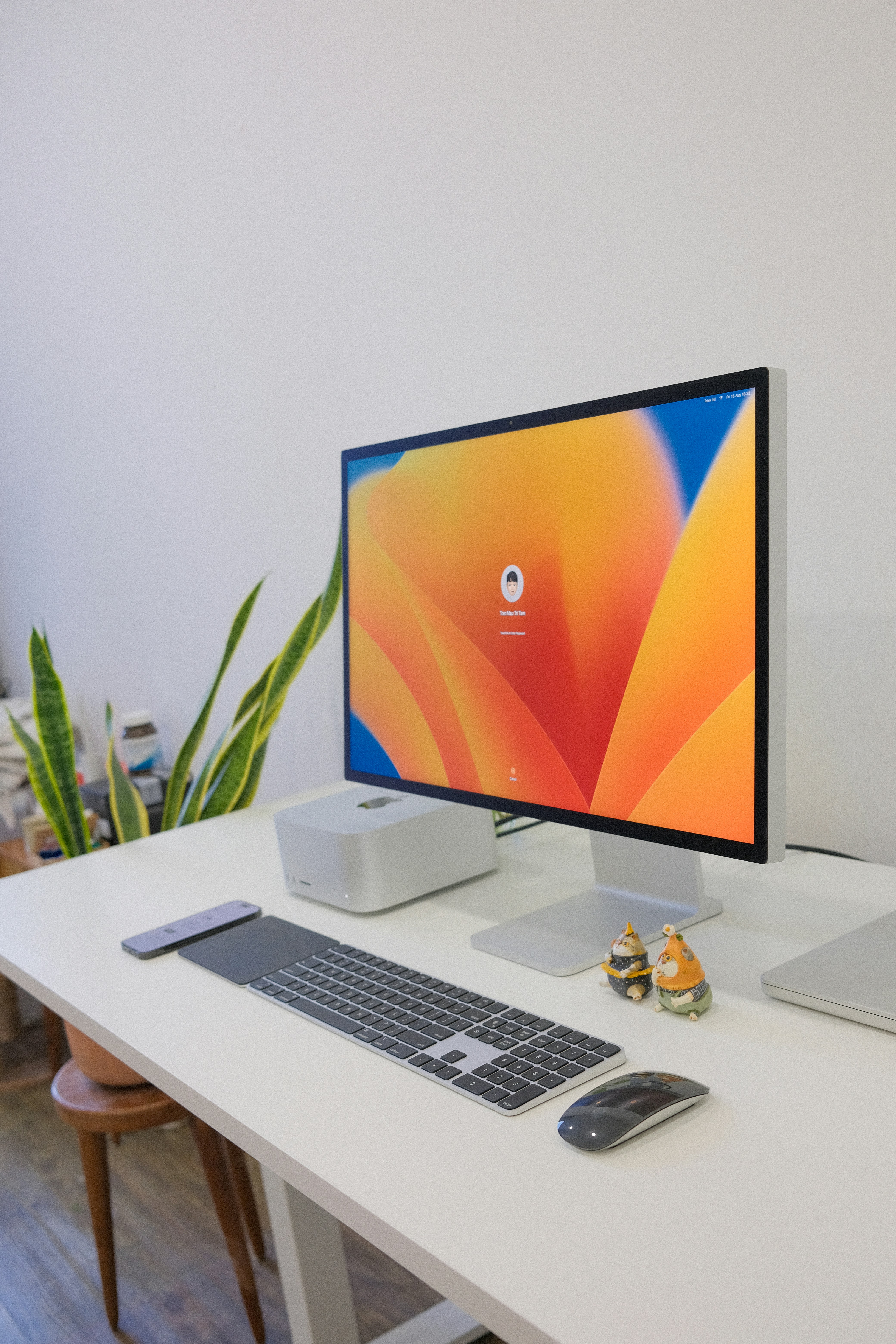
Ignoring routine computer maintenance might save you a few minutes today, but it is a classic false economy. Much like refusing to change the oil in your car because you are "too busy driving," skipping preventive maintenance on your PC inevitably leads to severe computer performance drops, surprise system crashes, and incredibly expensive emergency repairs.
Computers are highly complex ecosystems of software instructions and delicate hardware components. Over time, software becomes bloated, temporary files accumulate by the gigabyte, and physical dust clogs cooling fans. Regular attention is the only way to ensure longevity and reliability.
What Computer Maintenance Actually Includes
Proper computer maintenance goes far beyond simply wiping the screen with a microfiber cloth or emptying the recycling bin. A true maintenance routine includes:
- Installing critical, high-level operating system patches and security updates.
- Physical cleaning of internal intake fans, heat sinks, and motherboard components to ensure proper airflow.
- Verifying that automated daily backups are actually functioning and data is truly retrievable.
- Updating hardware drivers for graphics cards, motherboards, and networking adapters to ensure stability.
- Running deep-level security checks, vulnerability assessments, and malware scans.
- Performing advanced system optimization, such as managing startup programs, clearing heavy software caches, and registry cleanup.
The Real Costs of Skipping Maintenance
When you neglect computer performance and ignore the warning signs, the negative consequences stack up quickly and expensively:
- Expensive Emergency Repairs: An overheated processor caused by heavy dust buildup requires costly hardware replacement. What could have been a $50 cleaning turns into a $400 motherboard failure.
- Catastrophic Data Loss: Failing to test your backups means you could lose years of family photos or vital business accounting files if your hard drive suddenly dies without warning.
- Crippling Downtime: A major crash stops your productivity immediately. For a small business, a downed computer means you cannot process orders, email clients, or generate revenue until the machine is fixed.
- Severe Security Breaches: Running unpatched, outdated software is essentially leaving the front door open for hackers. It is the number one cause of devastating ransomware infections.
- Premature Replacement Costs: Systems that are heavily abused and neglected die years earlier than they should, forcing you to buy a brand-new $1,000 laptop long before it was budgeted.
Common Maintenance Tasks and Their Benefits
Understanding the "why" behind the tasks helps prioritize them. Here is why these specific tasks matter for long-term health:
- Windows Updates: These aren't just for new features; they silently patch massive security vulnerabilities and fix underlying software bugs that cause freezing.
- Disk Cleanup & Optimization: Removes gigabytes of hidden temporary update files and browser caches, significantly speeding up overall read/write performance.
- Backup Strategy Verification: Ensuring your files are actively cloned to the cloud protects you entirely against ransomware lockouts and sudden hardware death.
- Driver Updates: Keeps your graphics card, audio controllers, and Wi-Fi adapter functioning perfectly alongside newer software without crashing to a blue screen.
- Antivirus Definitions: Updates the "wanted poster" database for your security software, protecting you against the absolute newest strains of malware.
How Often to Maintain Your Computer
Adhering to a strict schedule is the secret to optimal health. Follow this recommended timeline:
- Monthly: Run the built-in disk cleanup tools, manually check for Windows updates if they aren't fully automated, and review your backup logs to ensure successful file transfers.
- Quarterly: Review and update manufacturer software drivers, change critical online passwords, remove programs you no longer use, and run deep, full-system malware scans.
- Annually: Have a professional physically open the machine to clean out the dust from inside the case and perform high-level, deep system optimization.
DIY vs Professional Maintenance
While basic disk cleanup, emptying the trash, and approving standard Windows updates are completely safe for DIY users, some tasks are risky. Deep registry cleaning, BIOS firmware flashing, advanced network configuration, and physical disassembly of laptops should be left entirely to trained professionals to avoid accidental, permanent damage.
When to Call a Professional
You should contact an IT expert immediately if your computer is running incredibly hot to the touch, making loud grinding or clicking noises, repeatedly refusing to install critical security updates, or if you simply lack the time and technical comfort to manage rigorous system optimization yourself.
How Palm Beach PC Services Can Help
Don't wait for a digital disaster to strike. Palm Beach PC Services offers comprehensive, affordable Maintenance Plans that take the worry out of tech ownership. For our clients, we handle all frustrating updates, deep system optimization, and constant security monitoring quietly in the background.
If your computer is already struggling under the weight of neglect, our highly trained Computer Repair experts can perform a massive deep tune-up to restore its original speed. For software-related maintenance, we can even assist instantly via our secure Remote Support platform. Contact us to protect your investment.
Local Service Area
Palm Beach PC Services provides onsite computer repair in Palm Beach Gardens as well as nearby areas including North Palm Beach, Juno Beach, Riviera Beach, Singer Island, Palm Beach, Lake Park, West Palm Beach, Jupiter, Abacoa, Boca Raton, Delray Beach, Manalapan, Ocean Ridge, and Gulf Stream. Remote support is also available nationwide.
Frequently Asked Questions
Is computer maintenance really necessary for brand new PCs?
Yes! Preventive maintenance keeps a new computer running like new. Failing to apply security updates and clear junk files will severely slow down even the most expensive, newest systems within a single year of use.
How long does a professional maintenance tune-up take?
A comprehensive professional tune-up and maintenance session usually takes 1 to 2 hours, depending on how much corrupted data needs to be scanned, the speed of the hard drive, and how many major system updates are pending.
Does software maintenance prevent physical hardware failure?
While software tuning cannot stop physical wear and tear entirely, tasks like verifying fan speeds, updating BIOS firmware, and physically cleaning out dust prevent severe overheating—which is the absolute number one cause of premature hardware failure.
Do you offer automated maintenance plans for small businesses?
Yes. Our monthly commercial maintenance plans cover multiple workstations, servers, and networks to ensure your whole office enjoys maximum system optimization, robust security, and minimal workflow downtime.
Will maintenance delete my personal photos or documents?
No. Professional routine maintenance targets temporary system cache files, registry errors, and outdated software logs. Your personal documents, pictures, and desktop files are completely safe and untouched.
Secure Your Computer Today
Preventive maintenance is vastly cheaper than emergency data recovery. Let our experts optimize your system for peak performance.
📞 Call or text 561-351-5858 or use our contact form