
Why Your Wi-Fi Keeps Dropping in Palm Beach Gardens: Dead Zones, Slow Speeds & Mesh Wi-Fi Solutions
Carlo Charles
Carlo The Computer Guy | Palm Beach PC Services
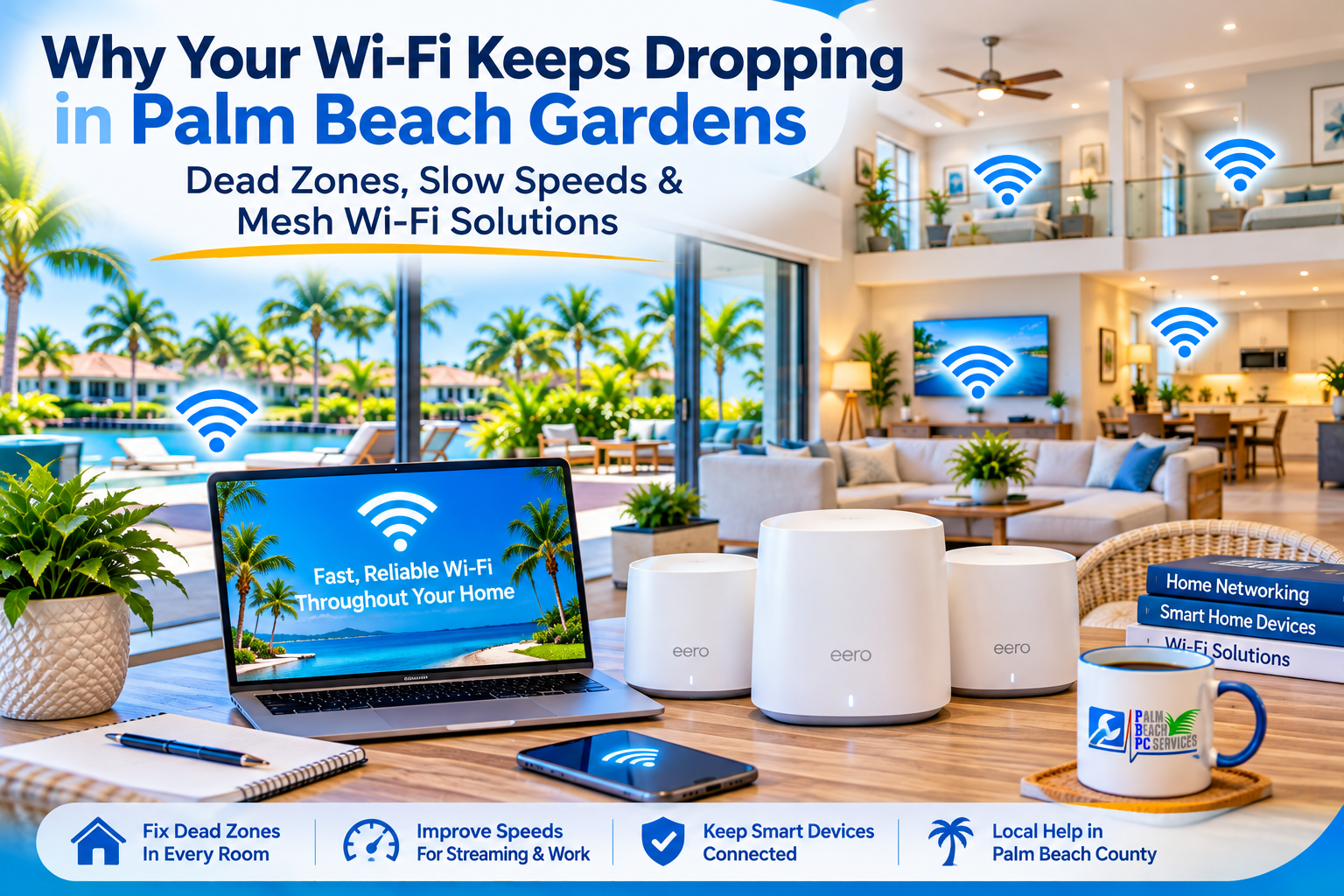
You’re sitting in your home office, halfway through an important video call, when the picture freezes. The audio cuts out. A few seconds later, your computer says it’s disconnected from Wi-Fi. Meanwhile, someone in the living room is streaming a movie without any problems.
Sound familiar?
At Palm Beach PC Services, we help homeowners and small businesses troubleshoot frustrating technology problems throughout Palm Beach Gardens, Jupiter, North Palm Beach, Juno Beach, Singer Island, and surrounding Palm Beach County communities.
One thing I’ve learned over the years is that a weak Wi-Fi connection doesn’t automatically mean you need faster internet—or a new router.
Sometimes the problem is where the router is located. Sometimes it’s the construction of the home, interference from nearby networks, an aging device, or a problem with the internet service itself.
The important thing is to find the cause before spending money on equipment that may not solve it.
In this guide, I’ll explain why Wi-Fi dead zones happen, how to identify the actual problem, and which solutions are worth considering.
Quick Answer: Why Does Wi-Fi Keep Dropping?
Wi-Fi connections commonly drop because of weak signal strength, interference, router placement, outdated equipment, or problems with the internet service.
In Palm Beach Gardens and other South Florida communities, concrete block construction, larger floor plans, garages, patios, and the distance between rooms can make reliable wireless coverage more challenging.
The best solution depends on where the connection fails and why. Moving the router may help. Other homes may benefit from a properly installed mesh Wi-Fi system, a wired access point, or changes to network settings.
Before buying anything, determine whether the problem is your Wi-Fi coverage or your actual internet connection. For a broader look at local providers and speeds, our guide to the best internet providers in Palm Beach Gardens is a good place to start.
1. Why Wi-Fi Can Be Challenging in South Florida Homes
Every home is different, but several common conditions can make wireless coverage difficult.
Concrete block walls and building materials
Many South Florida homes use concrete masonry construction, particularly for exterior walls.
Concrete, reinforced materials, metal, and other dense building components can weaken wireless signals. The effect depends on the thickness, composition, and location of those materials.
Wi-Fi uses different frequency bands. In general, 2.4 GHz can travel farther and penetrate some obstacles more effectively than higher-frequency bands, while 5 GHz and 6 GHz can provide faster connections under suitable conditions but typically have shorter effective range.
That means your laptop may work perfectly near the router but struggle in a room separated by several walls.
Hurricane-impact windows and outdoor coverage
Some impact-resistant or energy-efficient windows have metallic coatings that can weaken wireless signals.
However, not every impact window causes Wi-Fi problems.
If your internet works indoors but becomes unreliable near the pool, patio, or outdoor security cameras, the issue may involve signal distance, building materials, window coatings, or outdoor interference.
Router placement
I often find routers placed wherever the internet provider originally installed the equipment.
That might be inside a cabinet, behind a television, in a corner office, or at one end of the house.
Unfortunately, the most convenient location for installation isn’t always the best location for Wi-Fi coverage.
A router generally performs better when it’s placed in an open, elevated, reasonably central location, away from large metal objects and other sources of interference.
Nearby wireless networks
In condominiums, townhomes, and closely spaced neighborhoods, multiple Wi-Fi networks may compete for limited wireless channel capacity.
Congestion can contribute to inconsistent performance, especially on the 2.4 GHz band.
That doesn’t necessarily mean your neighbors are doing anything wrong. It simply means your network may need better configuration or equipment placement.
2. First, Find Out Whether It’s Wi-Fi or Your Internet Service
This is one of the most important troubleshooting steps.
People often use Wi-Fi and internet interchangeably, but they’re not the same thing.
Your Wi-Fi is the wireless connection between your devices and your local network. Your internet service connects that network to the outside world.
You can have an excellent Wi-Fi signal and still experience slow internet because of an ISP problem.
You can also have very fast internet service entering the house but weak Wi-Fi in the bedroom.
Wi-Fi vs. Internet Problems: What the Symptoms Tell You
| What you’re experiencing | Possible cause | What to check first |
|---|---|---|
| Wi-Fi works near the router but not in the back bedroom | Weak coverage or obstacles | Test signal and speed in both locations |
| Every device loses internet at the same time | ISP outage, gateway, or router problem | Check gateway status and provider alerts |
| Only one laptop disconnects | Device driver, settings, or hardware | Test another device in the same room |
| Wi-Fi shows a strong signal but websites won’t load | Internet, DNS, or network configuration issue | Check other devices and connection status |
| Ring camera disconnects repeatedly | Weak signal, power, or device-specific issue | Check coverage at the camera |
| Internet slows down during busy evenings | Network congestion or ISP-related slowdown | Compare wired and wireless tests at different times |
| Video calls freeze while other devices seem fine | Signal quality, upload speed, interference, or device issue | Test the device near the router |
A useful rule: If only one room has trouble, investigate coverage first. If the entire house loses connectivity, start with the gateway, router, and internet service.
These are starting points, not definitive diagnoses.
3. Five Things to Try Before Buying a New Router
Before investing in a mesh system or Wi-Fi extender, try these basic checks.
Step 1: Test Wi-Fi in different rooms
Use the same phone or laptop to run a speed test near the router, in your home office, and in the room where the problem occurs.
Repeat the tests at different times.
Look for a pattern rather than relying on a single result.
A sharp drop in performance as you move farther from the router can suggest a coverage problem.
Step 2: Check whether other devices have the same problem
If your laptop disconnects but your phone stays connected in the same location, the issue may be specific to the laptop.
Possible causes include an outdated wireless driver, power-saving settings, or a hardware problem.
Buying a new router may not help.
Step 3: Move the router if possible
Try positioning the router away from enclosed cabinets, large metal objects, and other electronics.
Avoid placing it directly behind a television or on the floor.
Even a modest placement change can sometimes improve coverage.
Step 4: Restart your networking equipment
A restart may resolve a temporary software or connection problem.
If you have separate modem and router equipment, follow your provider’s recommended restart procedure.
If the issue keeps returning, don’t treat constant restarting as a permanent solution. Recurring failures deserve further investigation.
Step 5: Check your equipment and internet plan
Find out how old your router is, what wireless standards it supports, and whether its firmware is current.
Also compare your actual internet performance with what your provider delivers.
A faster internet plan won’t necessarily fix poor wireless coverage.
And a new mesh system won’t fix an internet service outage.
4. Mesh Wi-Fi: When It Makes Sense
A mesh Wi-Fi system uses multiple compatible units positioned throughout a home to extend wireless coverage.
Popular consumer systems include eero, TP-Link Deco, and NETGEAR Orbi.
Rather than relying on one router to reach every room, mesh units work together to provide coverage across a larger area.
For some Palm Beach County homes, this can be a practical solution.
Benefits of mesh Wi-Fi
- Broader coverage: Multiple nodes can improve coverage in areas too far from the main router.
- Simpler network management: Many systems support one network name and centralized settings.
- Roaming support: Compatible devices can move between nodes, although roaming behavior depends on the devices and network conditions.
- Expandable design: Some systems allow additional compatible nodes as coverage needs change.
What mesh Wi-Fi cannot guarantee
A mesh system doesn’t automatically provide maximum speed in every room.
Node placement matters.
If a satellite node receives a poor signal from the main unit, it may simply repeat a weak connection.
Some mesh systems use dedicated wireless backhaul, while others share wireless capacity between devices and nodes.
When practical, Ethernet-connected mesh nodes or wired access points can provide more consistent performance.
The goal isn’t to install as many nodes as possible. It’s to place the right equipment where it can communicate reliably.
5. Mesh Wi-Fi vs. Extenders vs. Wired Access Points
Not every home needs an expensive mesh system.
Here is how the main options compare.
| Feature | Wi-Fi extender | Mesh Wi-Fi system | Wired access point |
|---|---|---|---|
| Best use | One limited coverage gap | Multiple rooms or broader coverage | Reliable coverage where network cabling is available |
| Installation | Usually simple | Moderate | May require cabling |
| Network name | Same or separate, depending on equipment | Typically one managed network | Can share a network name when configured |
| Roaming | Varies by device and setup | Usually better coordinated | Can be excellent with compatible equipment |
| Performance | Depends on received signal and design | Depends on placement and backhaul | Often very consistent |
| Main limitation | May repeat an already weak signal | Wireless nodes still need good connections | Requires a wired connection |
Which would I recommend?
For a single room with a modest coverage problem, a well-positioned extender might be sufficient.
For a larger home with several weak areas, mesh Wi-Fi may be more practical.
For a home office where reliable video calls and large file transfers matter, a wired connection or wired access point may be the better long-term investment.
The right solution is the one that fixes your particular problem—not necessarily the most expensive equipment.
6. Why Your Ring Cameras, Smart TVs, and Printers Keep Disconnecting
Smart-home devices add another layer of complexity.
Many smart devices rely on 2.4 GHz Wi-Fi because it offers useful range and broad device compatibility.
However, not all smart devices support the same bands, security settings, or network features.
A security camera mounted outside may be far from the router. A wireless printer may have trouble reconnecting after network changes. A smart television may show excellent internet speed in one room but buffer in another.
Before assuming a device is defective, check its connection quality, power, software updates, and network compatibility.
Should you create a separate network for smart devices?
Sometimes.
A dedicated IoT network can help organize devices and, when properly configured with suitable network isolation, improve security.
But simply creating another network name doesn’t automatically eliminate interference or increase your internet speed.
For guidance on protecting cameras, smart devices, and connected homes, read our related article: Smart Home Security: How to Protect Cameras, Wi-Fi Devices, and Connected Homes in Palm Beach Gardens.
That guide focuses on security. This article focuses on connectivity and coverage.
7. What About Wi-Fi on Patios, Around Pools, and in Garages?
Outdoor Wi-Fi is a common concern in South Florida.
You may want to stream music near the pool, work from a covered patio, or maintain reliable connectivity for a video doorbell or security camera.
But a router inside the house may not provide dependable coverage outside.
Depending on the property, solutions may include repositioning existing equipment, adding a properly located mesh node, or installing an outdoor-rated wireless access point.
Outdoor equipment must be suitable for the environment and installed with appropriate power, cabling, and weather protection.
I wouldn’t recommend placing an ordinary indoor mesh unit outdoors simply because the signal is weak.
For larger properties, the right answer may involve a more deliberate network design.
8. When Should You Call a Wi-Fi Technician?
You don’t need professional assistance for every wireless problem.
But there are situations where an onsite evaluation can save time and unnecessary equipment purchases.
Consider getting help when:
- Your connection drops regularly despite basic troubleshooting.
- Several rooms have weak or inconsistent coverage.
- Your home office struggles with Zoom or Microsoft Teams calls.
- Security cameras or smart-home devices repeatedly disconnect.
- You’ve purchased extenders or routers without solving the problem.
- Your internet provider says the connection is working, but your devices still struggle.
- You want to install mesh Wi-Fi correctly without disrupting existing devices.
At Palm Beach PC Services, we can help evaluate your network, identify likely coverage or equipment problems, recommend appropriate improvements, and assist with router, mesh Wi-Fi, and device configuration. Our Networking & Wi-Fi services cover everything from router placement to full mesh and access-point installation.
Sometimes the solution is straightforward.
Other times, a home needs a more thoughtful network layout.
Either way, I believe in understanding the problem before recommending that someone spend money.
Local Wi-Fi & Networking Support
Palm Beach PC Services provides onsite Wi-Fi and network troubleshooting in Palm Beach Gardens and nearby communities including Jupiter, North Palm Beach, Juno Beach, Singer Island, Riviera Beach, West Palm Beach, Boca Raton, and Delray Beach. We also serve many other areas—see our full service areas page—and offer secure remote support nationwide.
Frequently Asked Questions About Wi-Fi Problems in Palm Beach Gardens
Why does my Wi-Fi work in the living room but not the bedroom?
The bedroom may be farther from the router or separated by materials that weaken wireless signals. Router placement, interference, and device capabilities can also contribute. Testing signal quality in both rooms can help identify the cause.
Can concrete walls block Wi-Fi?
Concrete and reinforced building materials can significantly weaken Wi-Fi signals, particularly at higher frequencies. The impact varies by wall construction and network layout. A properly positioned access point or mesh system may help.
Why does my Wi-Fi keep disconnecting even though I have fast internet?
Your internet plan describes the service delivered to your home, not guaranteed wireless performance in every room. Weak signal, interference, equipment issues, or device settings can cause disconnections even with a fast internet plan.
Is mesh Wi-Fi better than a Wi-Fi extender?
Mesh Wi-Fi is often a better choice for improving coverage across multiple rooms. A basic extender can still be useful for one small coverage gap. Performance depends on equipment, placement, and how the units connect.
Will a mesh Wi-Fi system work with my AT&T or Xfinity equipment?
Many mesh systems can work with ISP-provided equipment, but configuration varies. Some installations use bridge mode, IP Passthrough, or access point mode. The correct setup depends on the gateway and provider.
Do I need to reconnect every device after installing mesh Wi-Fi?
Not always. Reusing your existing Wi-Fi network name and password may allow many devices to reconnect automatically. However, some printers, cameras, and smart-home devices may need additional setup, particularly if security settings change.
Will a Wi-Fi extender help my Ring doorbell?
It may help if the extender can receive a reliable signal and provide better coverage near the doorbell. However, placement, building materials, power, and device-specific issues also matter. An outdoor-rated access point or other solution may be more appropriate in some homes.
Is 2.4 GHz or 5 GHz better for Wi-Fi coverage?
The 2.4 GHz band generally offers better range through some obstacles, while 5 GHz can offer higher speeds at shorter distances. The best choice depends on the device, environment, and network conditions.
Can a technician come to my home to fix weak Wi-Fi?
Yes. Palm Beach PC Services provides onsite Wi-Fi and network troubleshooting in Palm Beach Gardens and nearby Palm Beach County communities. We can help investigate connection problems, evaluate coverage, and configure appropriate networking equipment.
Do I need to buy a new router if my Wi-Fi is slow?
Not necessarily. Slow Wi-Fi can result from placement, interference, an individual device, or your internet service. Testing the existing network first can help determine whether replacement is justified.
Reliable Wi-Fi Starts With Finding the Actual Problem
If there’s one thing I’d like homeowners to take away from this guide, it’s this:
Don’t buy more equipment until you understand why your Wi-Fi isn’t working properly.
A faster internet plan won’t fix every dead zone. An extender won’t help much if it’s placed where the signal is already weak. And an expensive mesh system isn’t always necessary for a small home.
Sometimes a simple adjustment solves the problem. Sometimes better equipment or a different network design makes sense.
The important thing is finding a solution that works for your home, your devices, and the way you actually use technology.
Need Help With Wi-Fi in Palm Beach Gardens?
Palm Beach PC Services provides onsite computer and networking support for homeowners and small businesses throughout Palm Beach Gardens, Jupiter, North Palm Beach, Juno Beach, West Palm Beach, and nearby communities. Whether you’re dealing with dropped video calls, slow wireless connections, disconnected cameras, or a home office that can’t maintain a reliable connection, we’re here to help.
Call or text 561-351-5858
Website: palmbeachpcservices.com
Palm Beach PC Services — Tech Made Simple. Support Made Personal.
This article provides general troubleshooting guidance. Network performance and available solutions vary by equipment, internet provider, property construction, and installation conditions.